
How to Choose a GPU for Training and Deploying LLMs
Training and inference need different GPUs. Learn VRAM math, a VRAM-to-capability table, per-scenario picks, rent-vs-buy, and China-market caveats.
llm
 Vincent
 Type to start searching
Training and inference need different GPUs. Learn VRAM math, a VRAM-to-capability table, per-scenario picks, rent-vs-buy, and China-market caveats.
Picking the right base model matters more than picking the strongest one. Six criteria, the assistant-tone trap, and a 3-day bake-off.
SFT is the first and most important step in training your own model. Learn dataset formats, assistant-only loss, and common pitfalls.
Training an LLM means more than feeding it data. Learn pretraining, SFT, and alignment, plus LoRA, QLoRA, RLHF, DPO, and distillation.

Why do executives, founders, and capitalists earn more — is it really because they work harder? Chinese cultivation fantasy spelled out the answer long ago: your wealth ceiling is roughly the scale of the rules you can influence.

Standup, feature work, production fires, interviews… you were busy all day, yet can't say who it was for. Sort each task by who it benefits, and you'll see where your time actually goes.
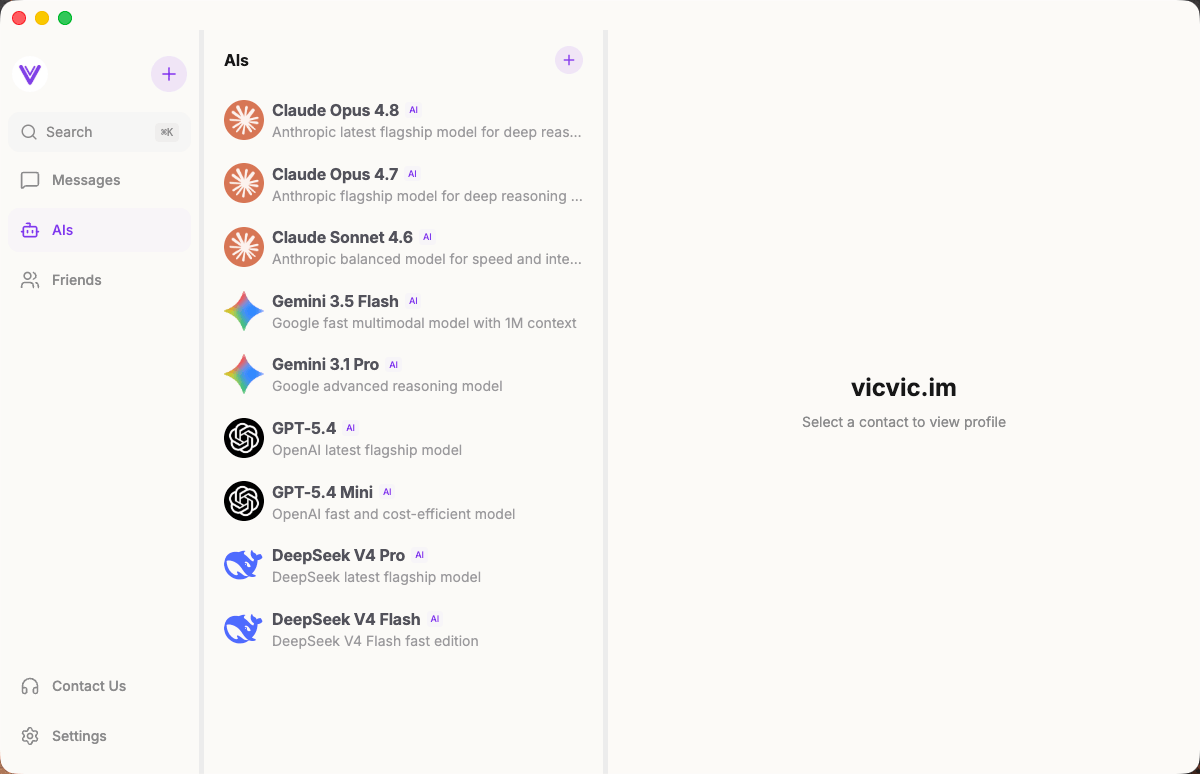
Two people planning a trip, but each talking to AI separately and relaying answers back and forth. There's a better way — just add everyone to one group chat.
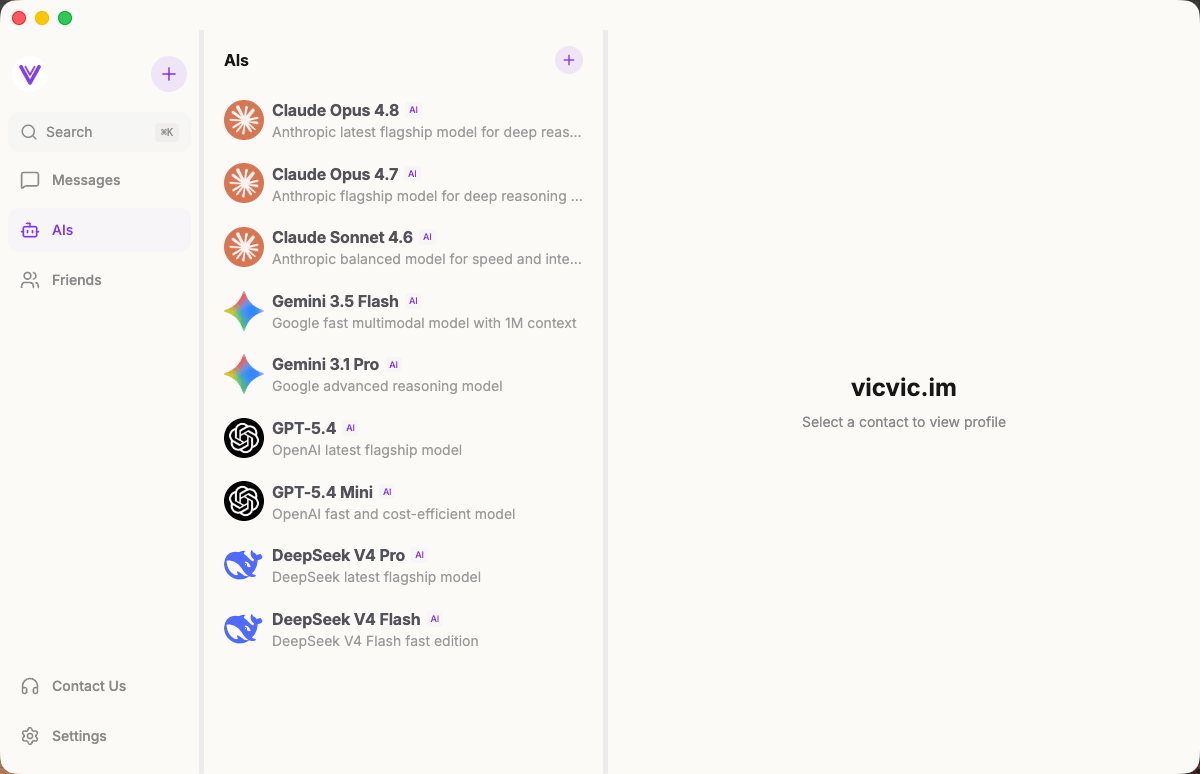
Worried a single model might be wrong? Create a group chat in vicvic.im, add Claude, GPT, and DeepSeek, ask one question, and compare all answers side by side.

How does Claude Code understand your requests, invoke tools, and self-recover step by step? A source-code deep dive into the Agent Loop's core architecture — streaming responses, parallel tool execution, auto-compaction, and error recovery.
Want to auto-validate commands before they run? Send Slack notifications when tasks finish? Claude Code hooks let you inject custom scripts at key moments — PreToolUse, PostToolUse, Stop, Notification — with practical examples.
Claude Code has 5 config file locations: user-level (~/.claude/), project-level (.claude/), local-only, CLI flags, and enterprise managed settings. Learn which file to use when, how priority works, and why your settings might be ignored.
Ready-to-use Claude Code settings.json snippets for env vars, model switching, apiKeyHelper auth, git signing, effort level, language, auto-updates, and more. Every field includes a working JSON example you can copy and paste.