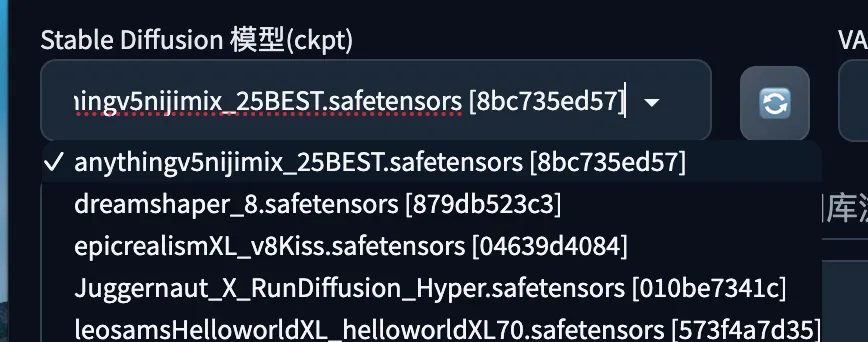
StableDiffusionWebUI: Checkpoint
A guide to Stable Diffusion Checkpoints — what they are, how to install and use them, visual comparisons of popular checkpoints from Civitai.
AI Art
 Vincent
 Type to start searching
A guide to Stable Diffusion Checkpoints — what they are, how to install and use them, visual comparisons of popular checkpoints from Civitai.

Preface: The previous section introduced the algorithm differences in Hires.fix. This section covers the denoising strength parameter of Hires.fix. We keep other parameters fixed for comparison.
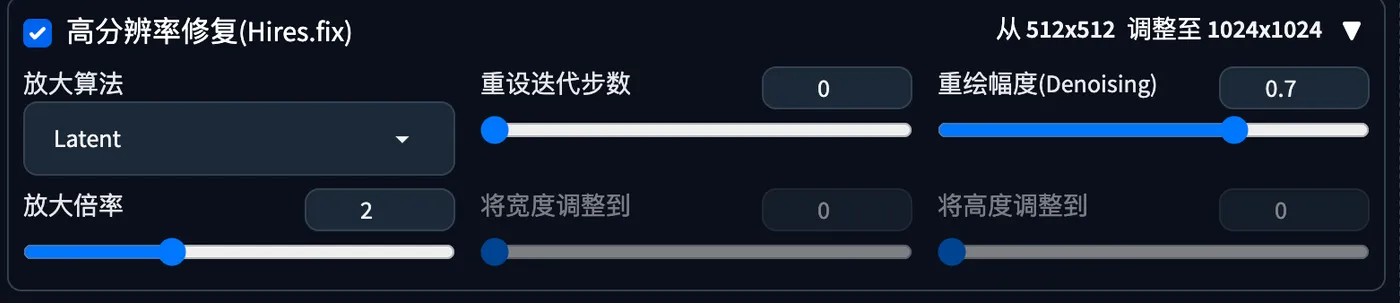
Preface: SD generates 512x512 images by default. Setting the width and height too large on the first generation may cause unexpected issues. It is recommended to generate at 512x512 first, then upscale later using high-resolution methods. This section introduces the Hires.fix algorithms.
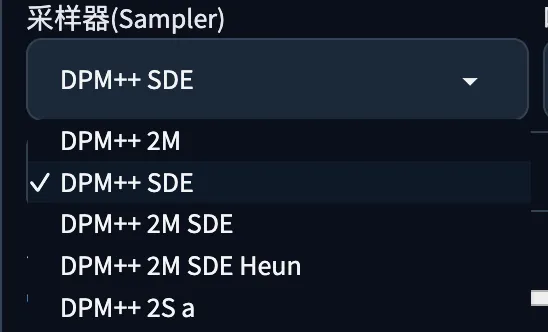
Preface This chapter introduces the samplers in sdwebui. Sampler A sampler is the sampling method used during the SD image generation process. Using the following prompt for txt2img, with a fixed checkpoint and fixed seed, we compare the results of different samplers. Prompt (Chinese): A boy sitting on a chair, upper body, close to the window, blue shirt, black hair, wearing glasses, facing the camera, with the window on his left side.
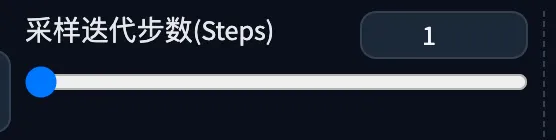
Preface This section introduces the sampling steps in sdwebui. Sampling Steps The previous section covered samplers: https://blog.vincentqiao.com/sdsampler Sampling steps refer to the number of noise addition and denoising iterations during image generation. Prompt (Chinese): A boy sitting on a chair, upper body, close to the window, blue shirt, black hair, wearing glasses, facing
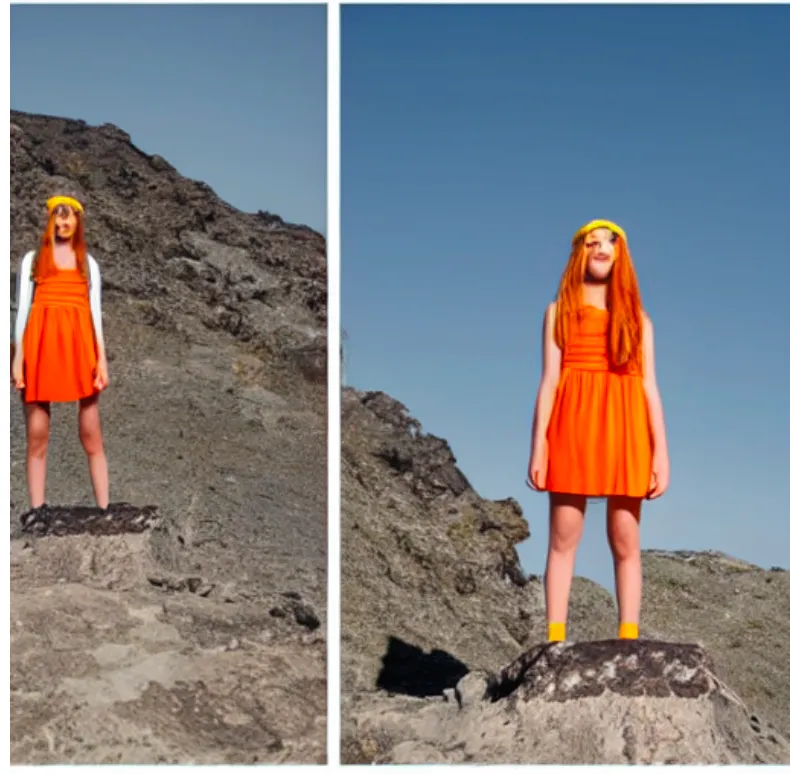
Preface After installing sdwebui locally and getting familiar with the interface, you might feel lost about how to actually generate images. You can start by setting a few small goals: 1. Find an IP, anime character, or celebrity you like, and try generating images of them. 2. Take an ordinary photo of yourself and try swapping it into a cool scene.
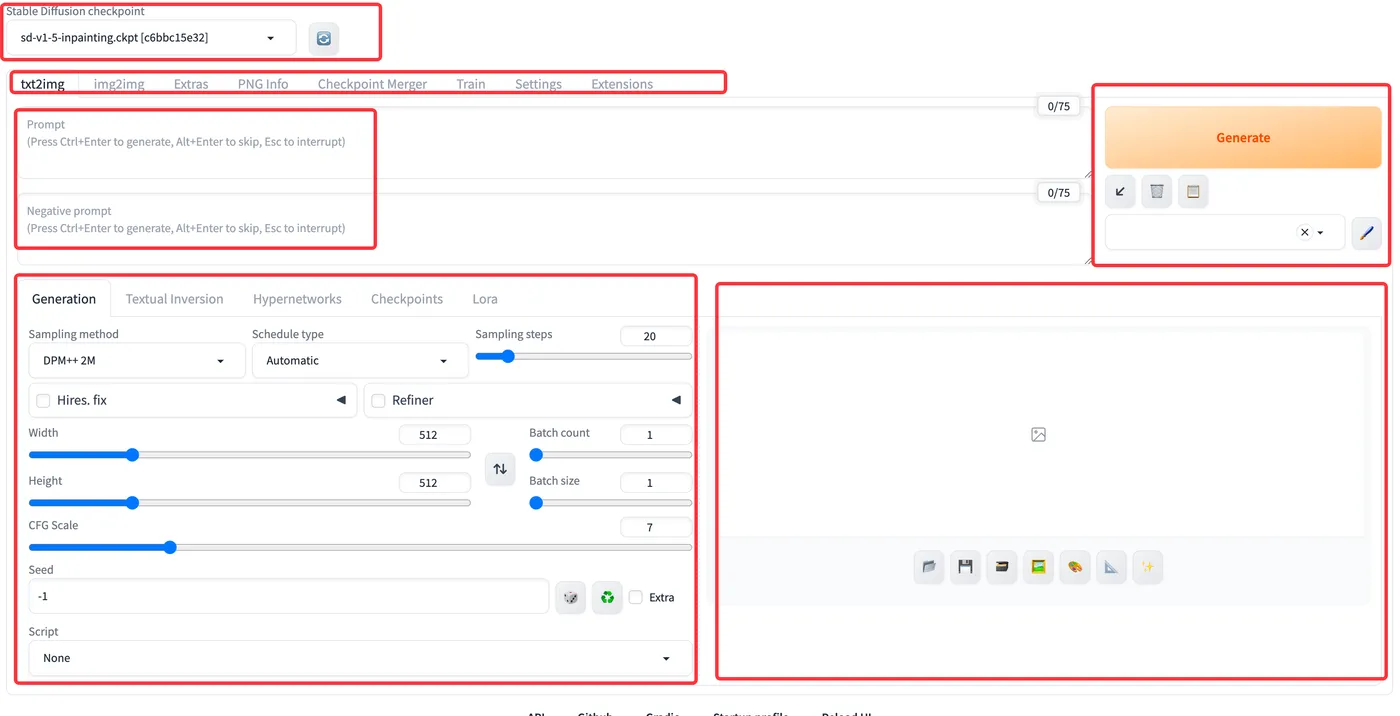
Preface: The previous chapters covered SD installation. This chapter introduces the sdwebui interface. Introduction: From top to bottom it includes: Model selection area for choosing checkpoint models, main function tabs for switching between features like txt2img, img2img, and PNG info, prompt area, generation parameters area, and image preview area.
Preface: This section introduces the sdwebui file structure. https://github.com/AUTOMATIC1111/stablediffusionwebui. File Structure: configs - configuration files, embeddings - embedding files, extensions-builtin - built-in extensions, extensions - user extensions.
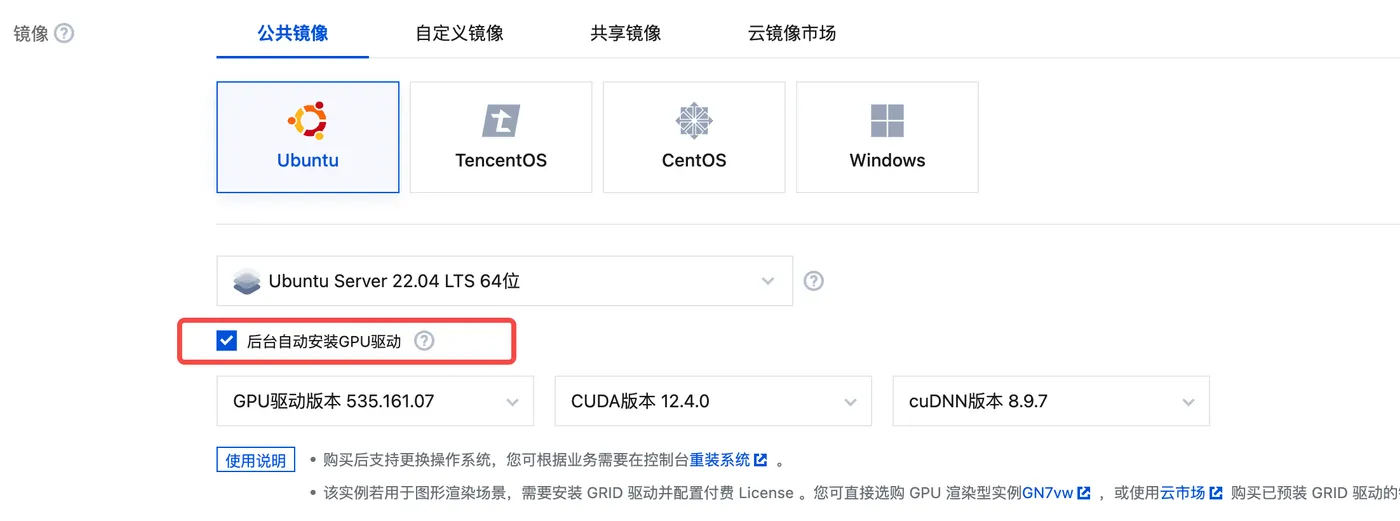
Preface: The previous section covered how to install Stable Diffusion on Mac. The Linux installation is quite similar. This section introduces how to install SD on Linux.
Preface sdwebui has many startup arguments. This article analyzes them one by one. Startup Arguments The argument parsing is located in modules/cmd_args.py. -f: Allow root user to start. --update-all-extensions: Update all extensions on startup. --skip-python-version-check: Skip Python version check.
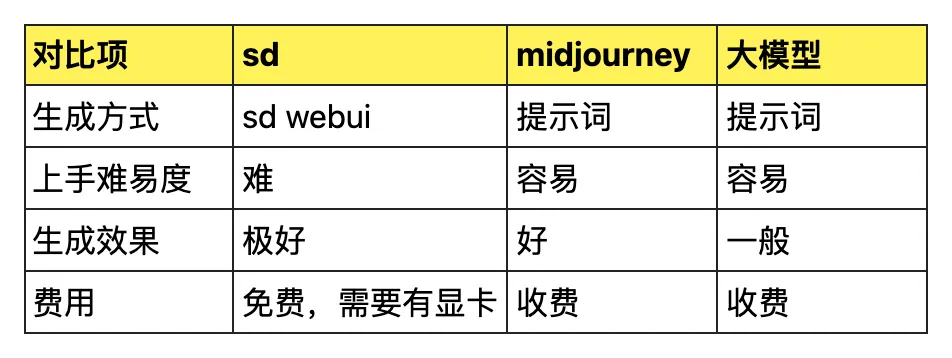
Preface: Currently there are several common approaches for AIGC image generation: 1. SD image generation, 2. Midjourney image generation, 3. Other large model image generation. This section covers SD introduction and Mac installation.

Preface: After developing a local app with Electron, local logging is essential. It helps capture user actions and locate bugs. Local logs differ from real-time analytics — they are larger, more detailed, and not all information is suitable for reporting. Similarities and Differences with Node.js Logging: Writing local logs in Electron is similar to Node.js.