Node.js in Practice: Image Processing
Using sharp for image processing in Node.js — covering common image libraries, installation, format conversion, resizing, and the qiao-img wrapper package.
Node.js
 Vincent
 Type to start searching
Using sharp for image processing in Node.js — covering common image libraries, installation, format conversion, resizing, and the qiao-img wrapper package.
Preface: In 2023, which UI framework should you use for frontend development? Key requirements: PC and mobile support, dark/light theme switching, rich components, and React support. After comparing React UI libraries on GitHub, Mantine UI stands out for its extensive component library.
Preface: Previous articles covered developing an Electron app through to Mac packaging. Related articles: Learn Electron in One Article, Electron in Practice: Local Database SQLite, Electron in Practice: Managing Electron Projects with Monorepo, Electron in Practice: Mac Packaging, Electron in Practice: Registering an Apple Developer Account.
Preface The previous articles covered developing an Electron app through to Mac packaging. Related articles: Learn Electron in One Article, Electron in Practice: Local Database SQLite, Electron in Practice: Managing Electron Projects with Monorepo, Electron in Practice: Mac Packaging, Electron in Practice: Register
Preface A dmg file is a common installer format on Mac. The previous articles have already developed and packaged an application using Electron. This article focuses on customizing the dmg installer.
Preface: Learn Electron in One Article, Electron in Practice: Local Database SQLite, Electron in Practice: Managing Electron Projects with Monorepo. After developing a desktop app with Electron and packaging it locally for Mac, the next step before distribution is signing and notarizing the Mac app.
Preface: Getting started with Electron requires creating a window. A window is used to display the UI and runs in the renderer process. Creating a Window: Create a new frontend project with the following package.json. You can see that Electron is installed as a dev dependency.
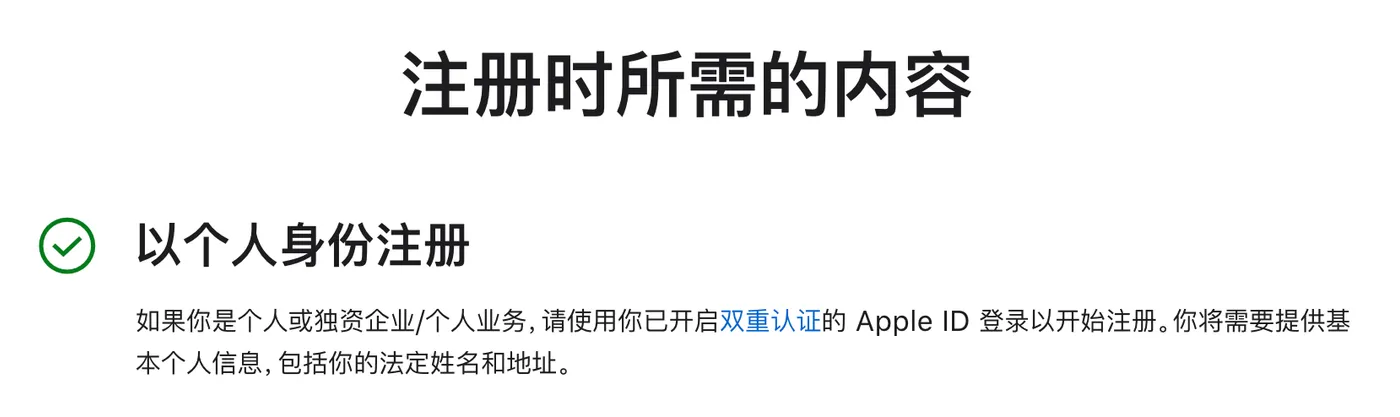
Preface After developing a Mac application with Electron, if you want it to work properly on Mac computers, you need to sign and notarize your application. Both signing and notarization require an Apple Developer account. There are some pitfalls in this process, documented here.
Preface: After developing an Electron app locally, the next thing you want to do is package it and share it. For how to manage an Electron project with monorepo, see: Electron in Practice: Managing Electron Projects with Monorepo.
Preface: This article explains how to manage an Electron project using monorepo. Code: https://github.com/uikoo9/dishi-monorepo/tree/electron-monorepo. Initialization: First, initialize a monorepo frontend project.
Migrating from lerna bootstrap to npm workspaces for monorepo dependency management — comparing lerna.json vs package.json config, node_modules location, and local package linking.
Preface Electron provides operations for reading from and writing to the system clipboard. See: https://www.electronjs.org/docs/latest/api/clipboard Process clipboard is supported in the main process and in renderer processes without sandbox enabled. System Most clipboard APIs support Windows, Mac, and Linux.