prometheus+grafana
Setting up a monitoring system with Prometheus and Grafana — covering Prometheus server, node-exporter, Grafana dashboard configuration, and Docker deployment.
Type to start searching
Setting up a monitoring system with Prometheus and Grafana — covering Prometheus server, node-exporter, Grafana dashboard configuration, and Docker deployment.
sdwebui.ai sdwebui.ai is a ready-to-use native online sdwebui. URL: https://www.sdwebui.ai/ Authentic Stable Diffusion WebUI V1.10.1 Top-tier 4090 GPU, premium members get exclusive single 4090 for image generation Supports Mac client, Windows client, and Web online usage
Using ADetailer to fix facial and hand details in Stable Diffusion — installation, usage, parallel repair, and model comparison.
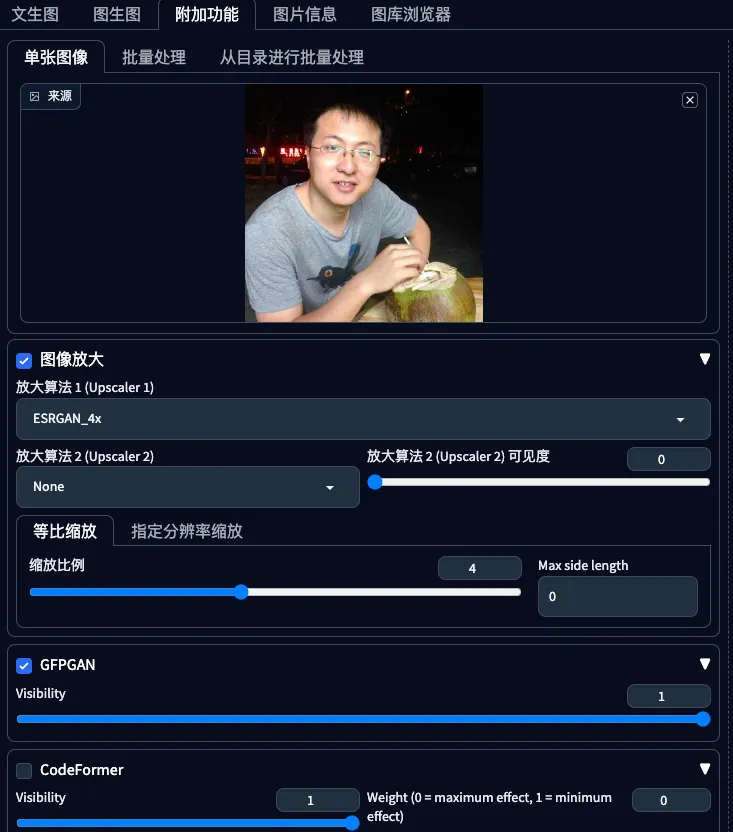
Environment Setup Open https://sodaart.ai/, download the Mac or Windows client, install and open it locally, or click Online Generation to open the web version directly. Step 1: Log in to the homepage Use your phone number + verification code to log in, then click Online Generation. Step 2: Upload old photos in the Extras tab Under Online Generation - Extras tab, upload your old photos. Step 3: Configure
Preface: One of the use cases for sdwebui is old photo restoration. Common old photo restoration tools existed before sdwebui, including GFPGAN and CodeFormer. However, combining them with Hires.fix in sdwebui yields even better results.
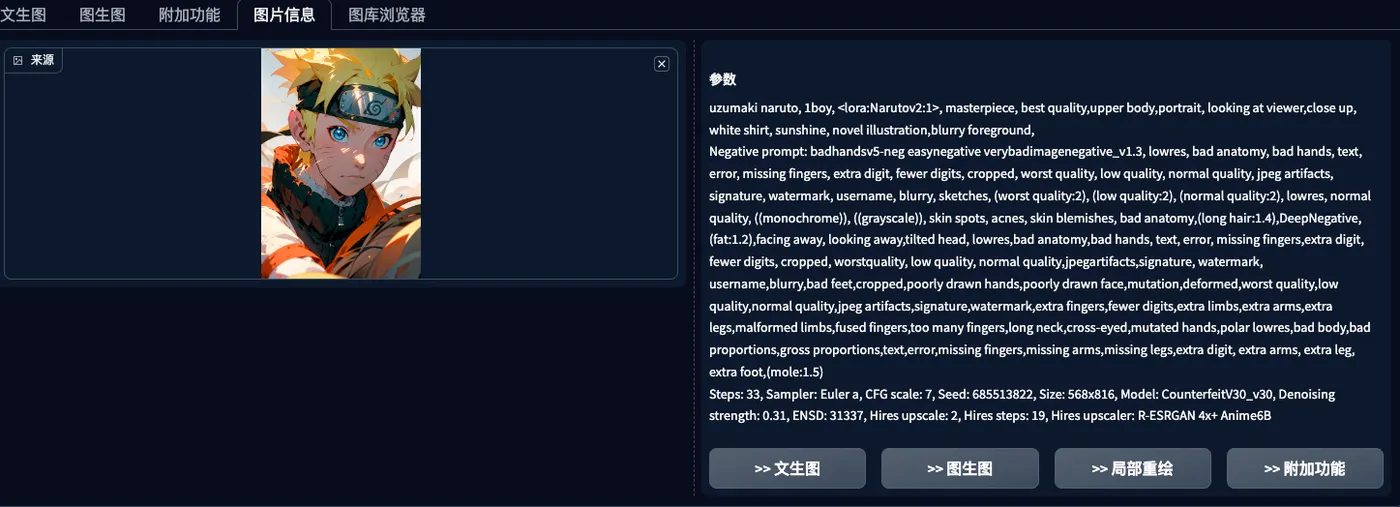
Preface: PNG Info is a built-in feature of sdwebui that is essential in everyday image generation workflows. It allows you to upload an image, read its meta information, parse the generation parameters, and conveniently send them to other features like txt2img, img2img, and inpainting.
Preface: Embeddings and text inversion both refer to textual embeddings, which can be simply understood as a collection of prompts used in both negative and positive prompts. Using Embeddings: Installation - After downloading embeddings, place them in stablediffusionwebui/embeddings. Usage - Select the desired embeddings under the embeddings tab.
Preface: If checkpoint determines the main effect and style of your generated images, and embeddings mainly serve as negative prompts to avoid undesirable effects, then LoRA is for fine-tuning to achieve the specific effect you want.
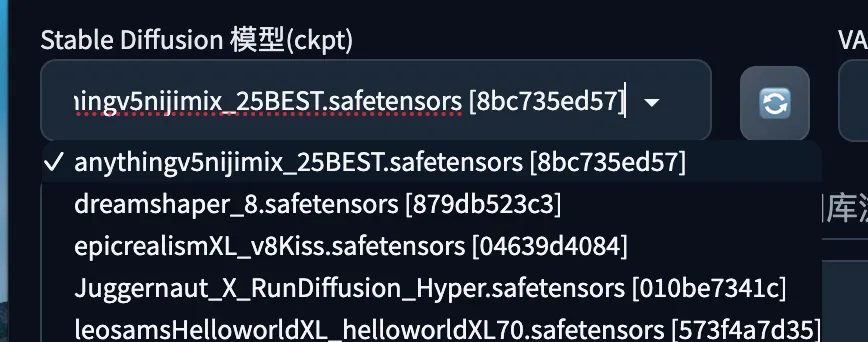
A guide to Stable Diffusion Checkpoints — what they are, how to install and use them, visual comparisons of popular checkpoints from Civitai.
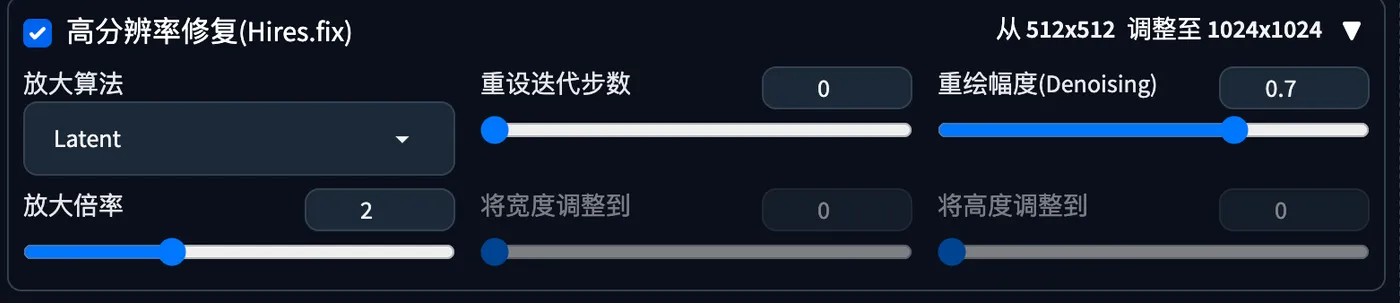
Preface: The previous section introduced the algorithm differences in Hires.fix. This section covers the denoising strength parameter of Hires.fix. We keep other parameters fixed for comparison.
Preface: SD generates 512x512 images by default. Setting the width and height too large on the first generation may cause unexpected issues. It is recommended to generate at 512x512 first, then upscale later using high-resolution methods. This section introduces the Hires.fix algorithms.
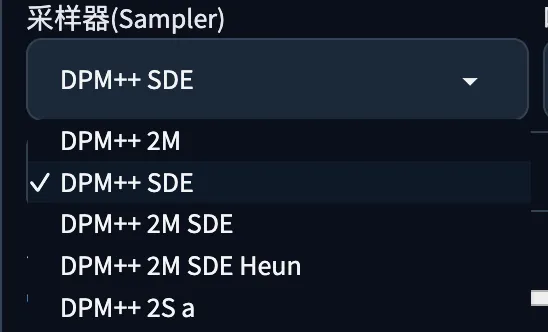
Preface This chapter introduces the samplers in sdwebui. Sampler A sampler is the sampling method used during the SD image generation process. Using the following prompt for txt2img, with a fixed checkpoint and fixed seed, we compare the results of different samplers. Prompt (Chinese): A boy sitting on a chair, upper body, close to the window, blue shirt, black hair, wearing glasses, facing the camera, with the window on his left side.