
Electron in Practice: Registering an Apple Developer Account
Preface
After developing a Mac application with Electron,
if you want it to work properly on Mac computers,
you need to sign and notarize your application.
Both signing and notarization require an Apple Developer account.
There are some pitfalls in this process, documented here.
Registration
Registration URL: https://developer.apple.com/cn/programs/enroll/
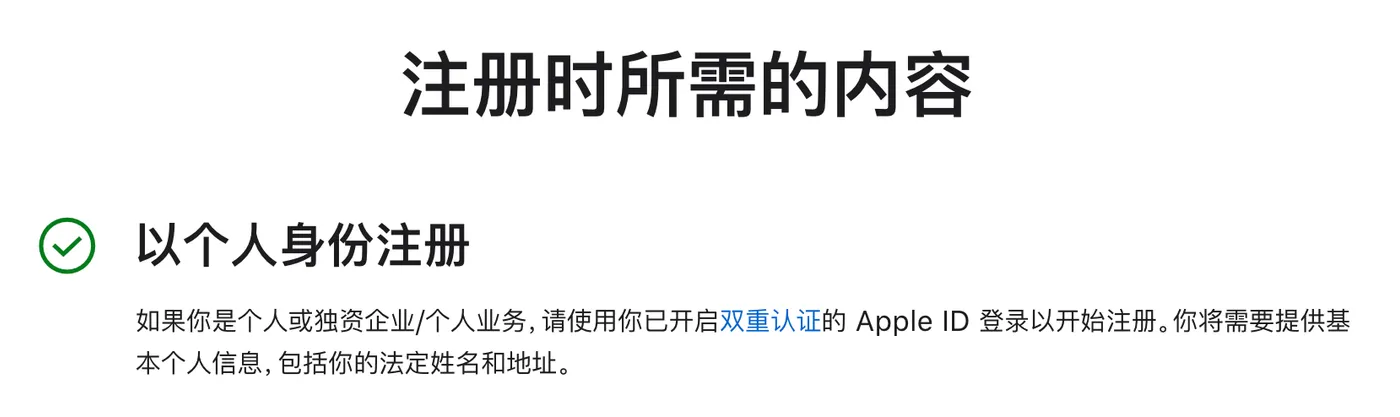
This article registers an individual account.
All you need before registering is an Apple ID.
If you have an iPhone or Mac, you already have an Apple ID.
After clicking to start registration,
you need to log in with your Apple ID first.
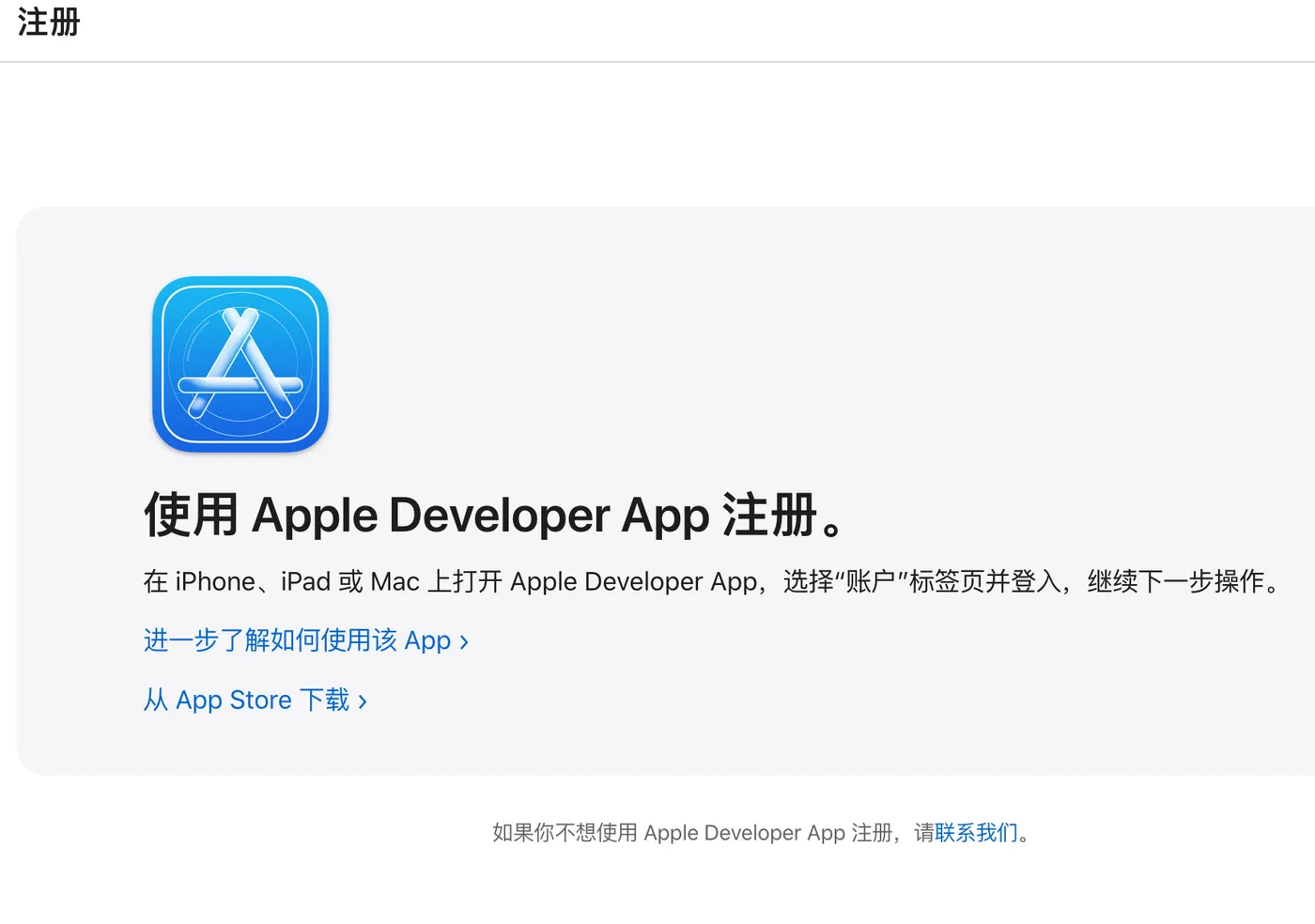
After logging in, you will be prompted to register using the Apple Developer app.
The app is available on both iPhone and Mac. Download it.
Greyed-Out “Enroll” Button
After opening the Apple Developer app,
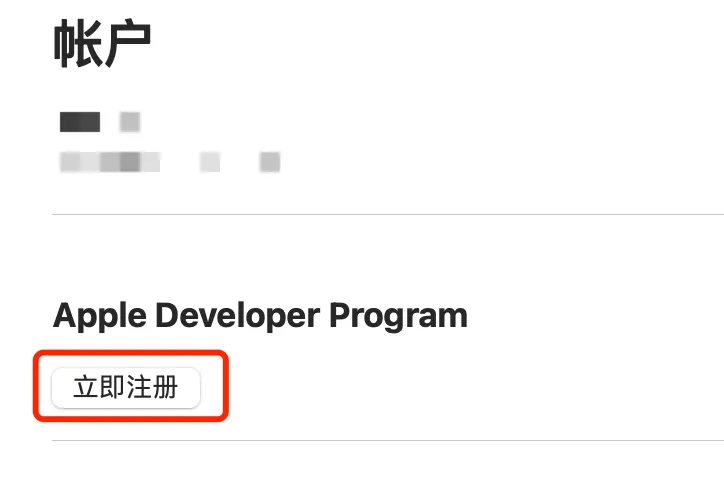
tap on the Account tab at the bottom.
Then you will encounter the first issue:
the “Enroll” button is greyed out and cannot be tapped.
Reason: Apple needs to verify the authenticity of the address associated with your Apple ID.
Solution: Submit feedback to Apple, and they will reply by email. URL: https://developer.apple.com/contact/#!/topic/select
You will receive an email reply like this:
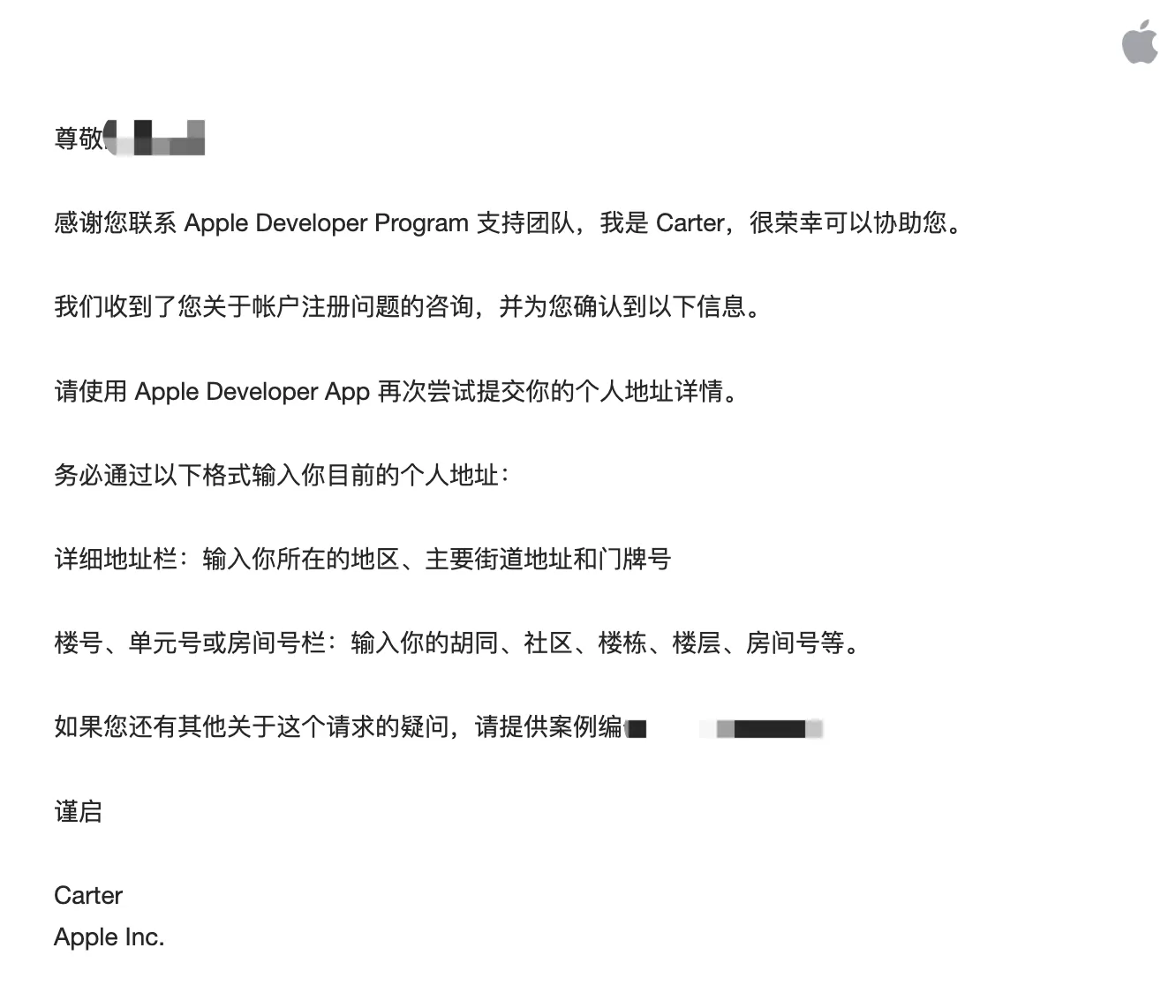
After receiving this email, the “Enroll” button becomes clickable.
Invalid Address
After the “Enroll” button becomes clickable,
you will encounter the second issue.
After filling in your current address as prompted,
it shows “Invalid address”.
In this case, submit feedback again at the same URL above.
You will receive two emails:
one similar to the previous one, and another for uploading documents.
Apple requires you to upload documents proving the authenticity of your address.
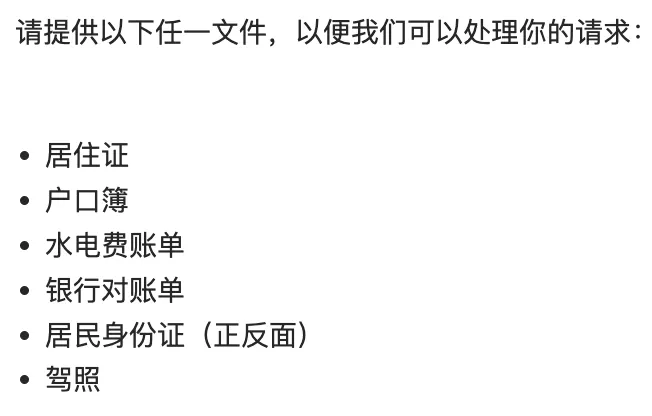
Upload the corresponding documents as instructed in the email,
then click “Enroll” again,
fill in the address matching the documents,
and the issue is resolved.
Payment
After everything above is done,
click the Continue button,
and you will see the payment prompt.
The fee is 688 CNY…
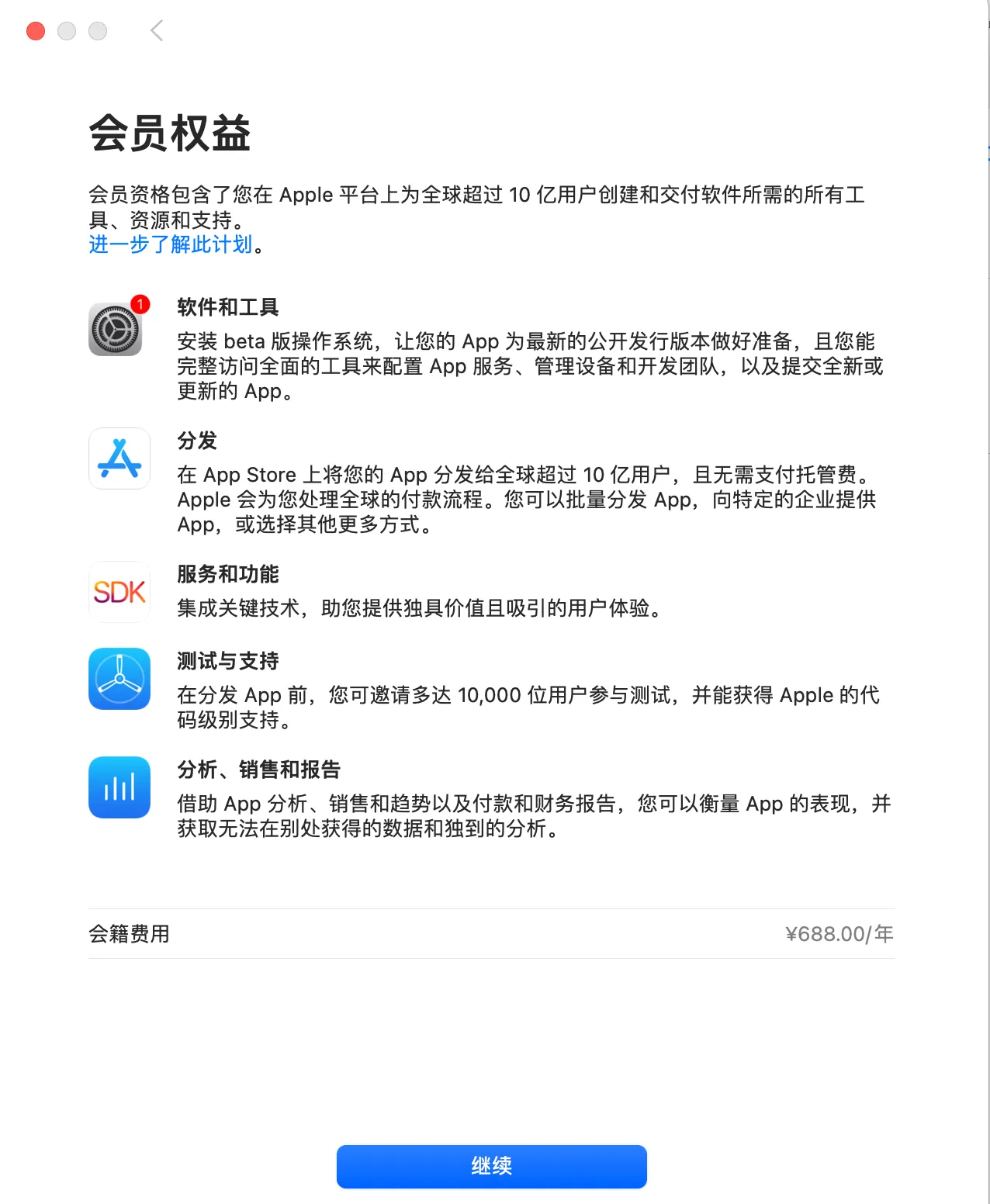
Then fill in some identity information as prompted,
and pay the 688 CNY to activate the membership.
However, even though you may have already received a payment notification from WeChat or similar,
or already received an Apple email subscription notification,
when you log in to the Apple Developer Program website,
it still shows “Pending”…
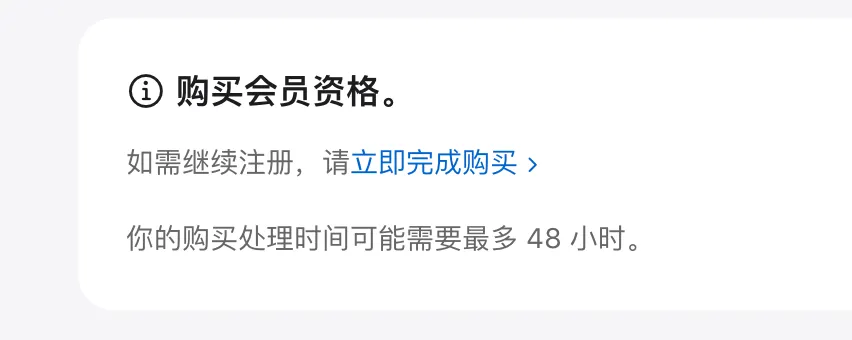
After calling Apple support,
although Apple has received the payment,
there is still some internal verification that the system processes automatically.
It will be ready after the verification is complete, usually within 48 hours.