Back to all posts 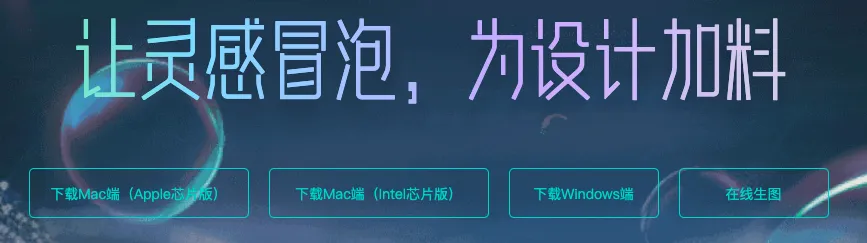
SodaArt - Restore Old Photos in Three Steps
AI Art
Environment Setup
Open https://sodaart.ai/,
download the Mac or Windows client, install and open it locally,
or click Online Generation to open the web version directly.
Step 1: Log in to the Homepage
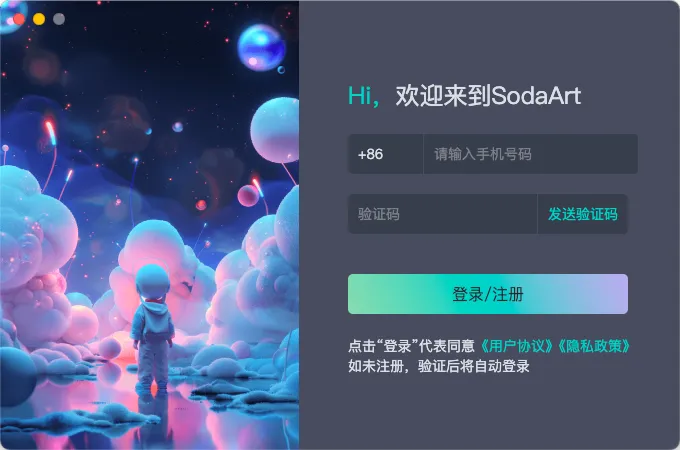
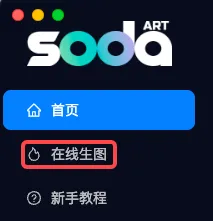
Use your phone number + verification code to log in to the homepage, then click Online Generation.
Step 2: Upload Old Photos in the Extras Tab
Under Online Generation - Extras tab, upload your old photos.
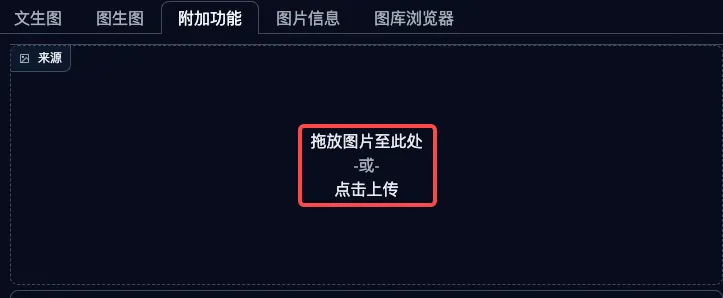
Step 3: Configure Parameters and Generate
Select Image Upscaling, choose R-ESRGAN 4x+ as the algorithm,
you can adjust the scale ratio yourself, the default of 4 is recommended.
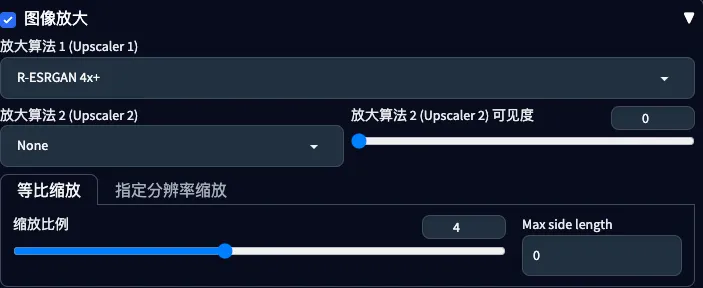
Enable GFPGAN,

Click the Generate button to produce the restored photo.
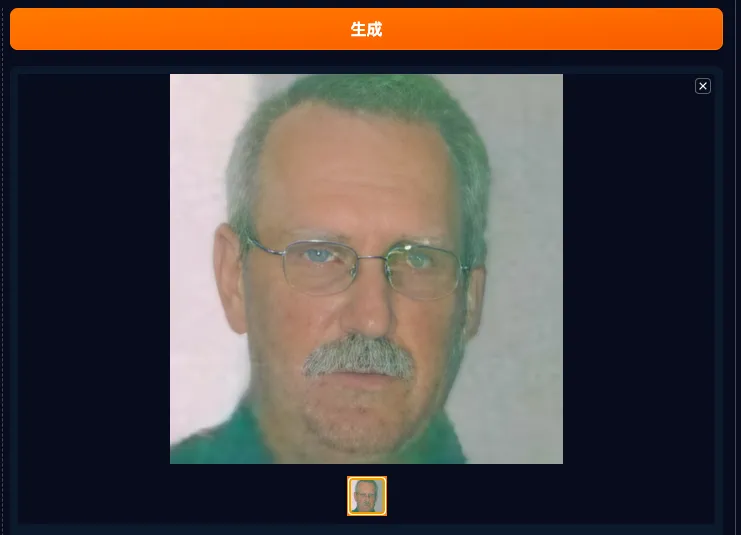
Before and After Comparison
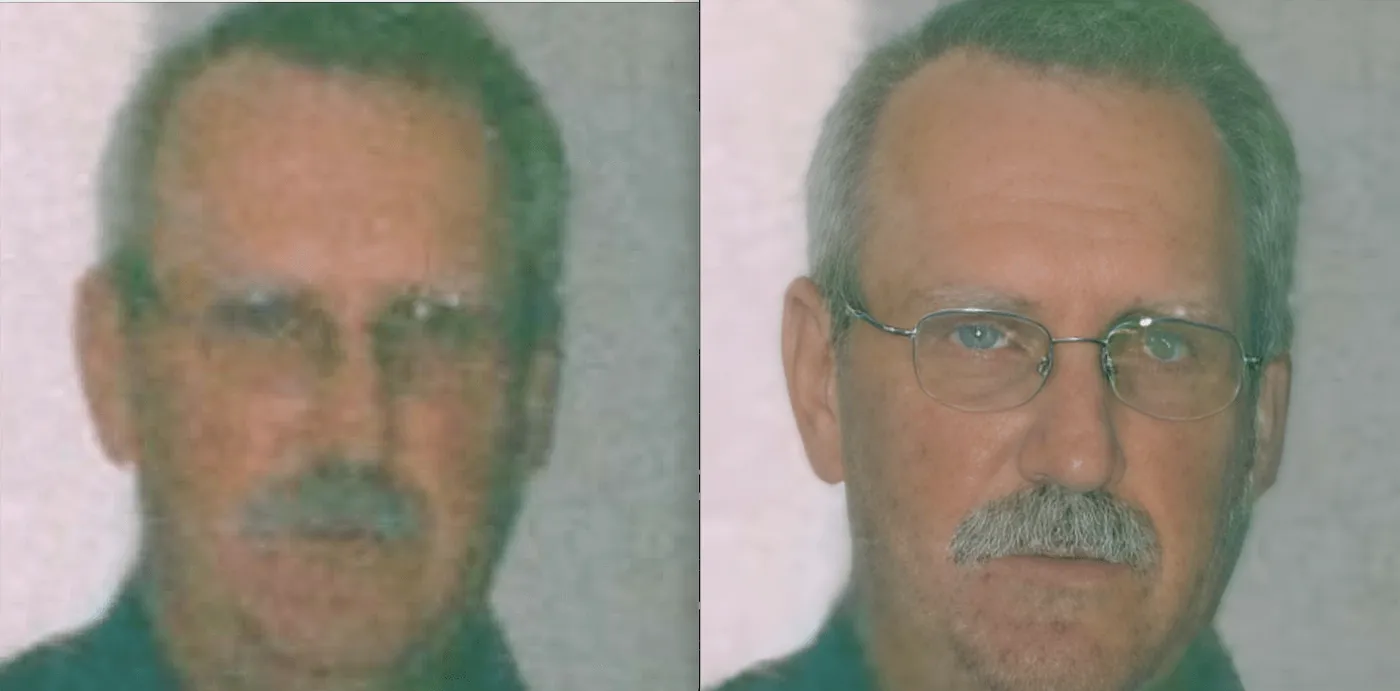
If you are satisfied with the restored photo,
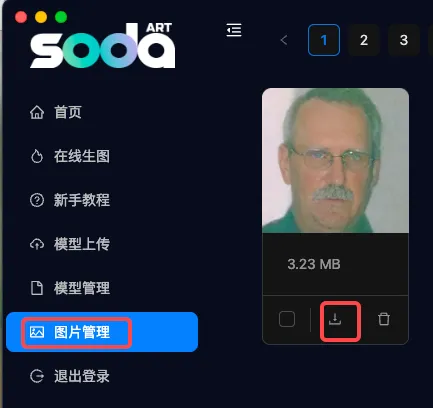
you can download it from the homepage - Image Management.