Electron in Practice: Mac Packaging
Preface
After developing an Electron app locally,
the next thing you want to do is package it and share it.
For how to manage an Electron project with monorepo,
see: Electron in Practice: Managing Electron Projects with Monorepo
Build
Continuing from the previous article, packaging is done in packages/dishi-electron.
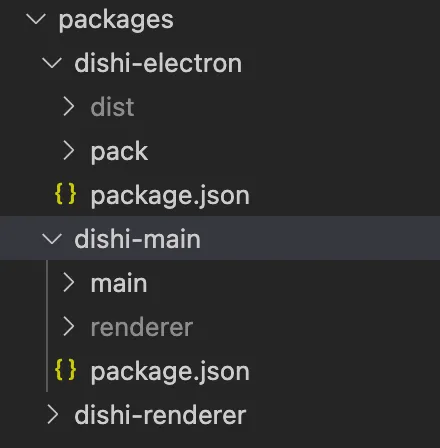
At this point, packages/dishi-main already has everything needed to run locally:
main: main process code
renderer: built renderer process code
package.json: entry point
The first step of packaging is to build or copy the source code into dishi-electron.
This can be done in various ways — this article uses gulp.
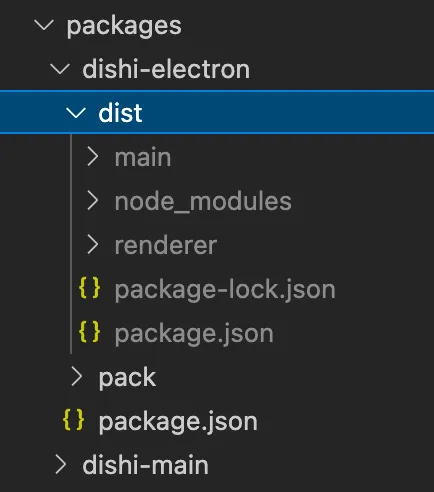
The end result is copying the dishi-main folder to dishi-electron/dist
and running npm i.
This avoids pulling in unnecessary dependencies.
Icon
A Mac app bundle needs its own icon.
Without a custom icon, the default Electron icon is used after packaging:

After customization (even if a bit rough):
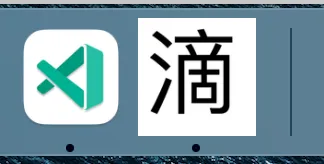
For details on creating Mac icons, see this article:
Electron in Practice: Creating icns Icons
The script added:
"icon": "electron-icns ./pack/icon/pic.webp",Result:
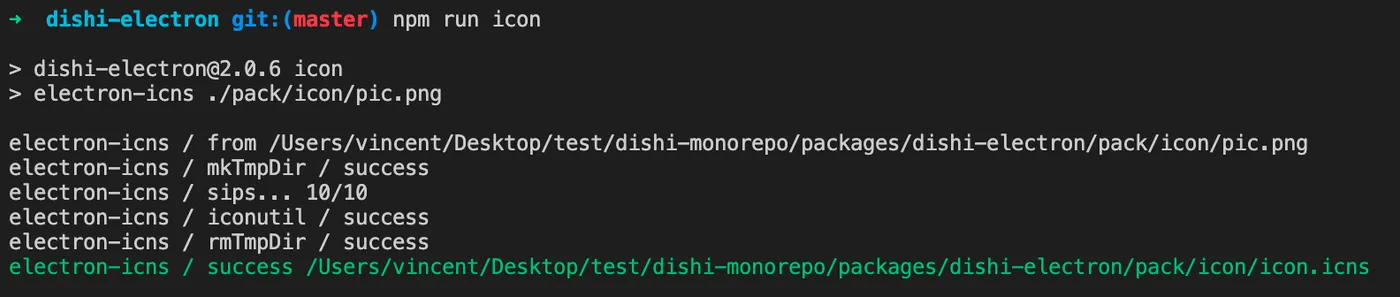
App Bundle
Next, package the local app as a Mac app bundle —
a .app Mac application.
There are many options for packaging Mac app bundles.
This article uses electron-packager: https://github.com/electron/electron-packager
A wrapper package has been built on top of electron-packager: https://qiao-electron-cli.vincentqiao.com/#/
The config file is at dishi-electron/pack/electron.config.js:
// pkg
const pkg = require('../dist/package.json');

// const
const arch = process.arch;
const platform = process.platform;
const version = pkg.version;
const iconPath = `pack/icon/icon${platform === 'darwin' ? '.icns' : '.ico'}`;

// log
console.log(`arch: ${arch}`);
console.log(`platform: ${platform}`);
console.log(`version: ${version}`);
console.log(`iconPath: ${iconPath}`);

// config
let config = {
  // Whether to overwrite already generated files
  overwrite: true,

  // Source folder to package
  dir: 'dist',

  // Output folder
  out: 'out',

  // Whether to bundle source code as asar format
  asar: true,

  // Target arch
  arch: arch,

  // Target platform
  platform: platform,

  // App name
  name: 'dishi',

  // App icon
  icon: iconPath,

  // App version
  appVersion: version,

  // App copyright
  appCopyright: 'Copyright © 2023 insistime.com版权所有',
};

// qe config
module.exports = config;
Script:
"packmac": "qelectron pm ./pack/electron.config.js",Result:
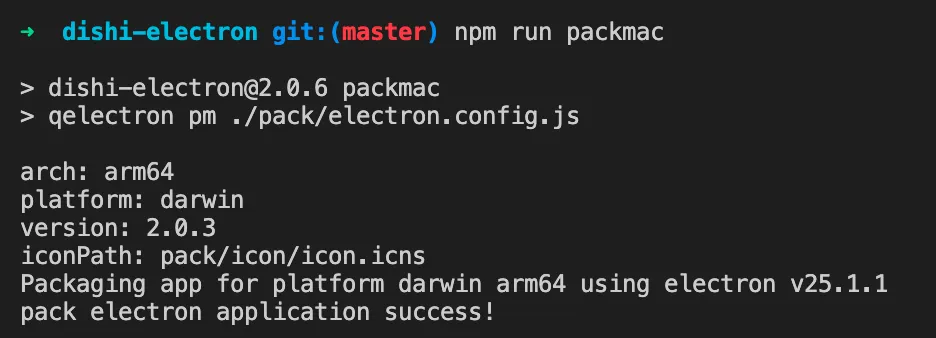
The app bundle is generated in the out folder:
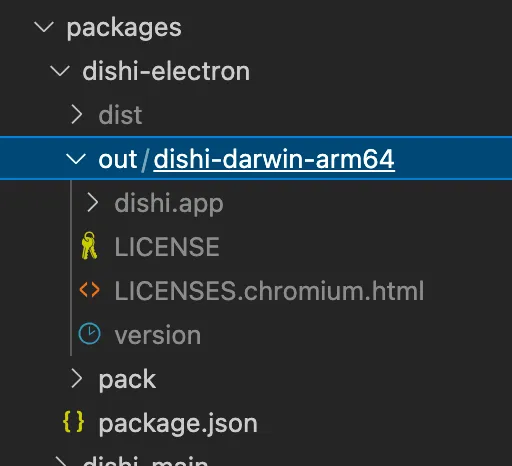
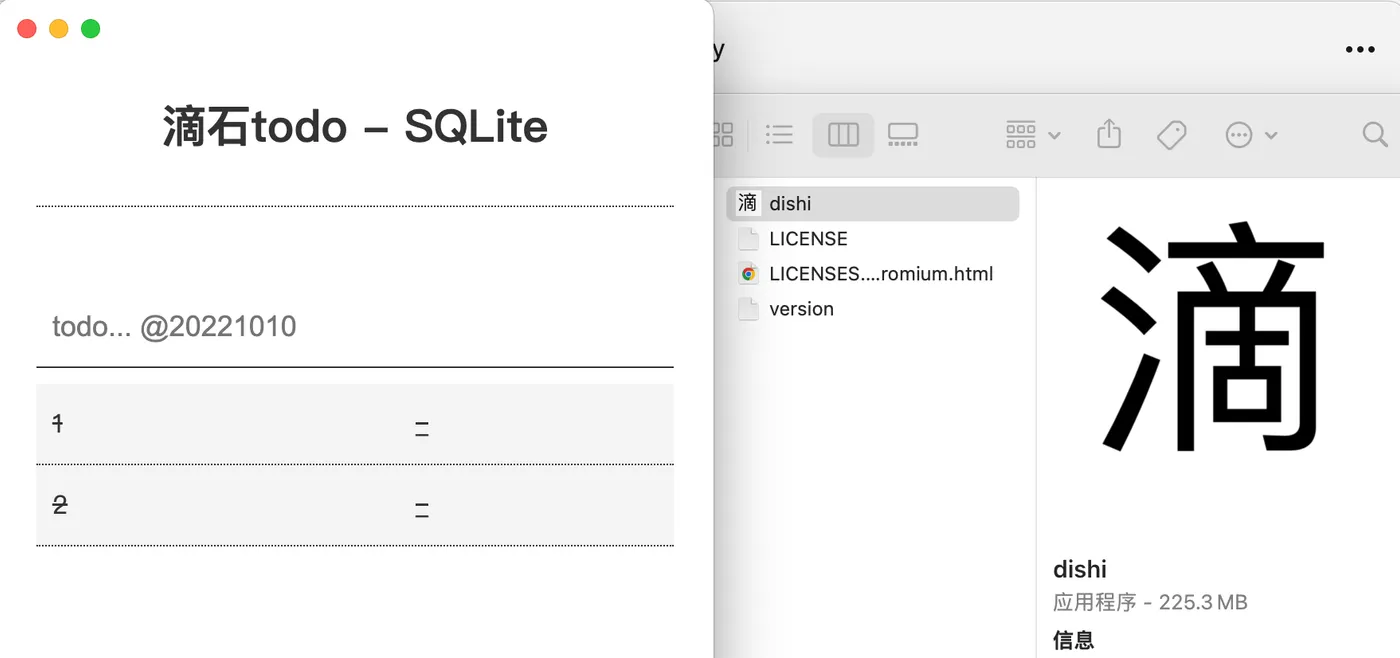
And it can be opened locally by double-clicking:
Installer
The app bundle isn’t convenient for direct distribution.
You also need to create a Mac installer.
Again using the qiao-electron-cli wrapper,
with the same config file.
Script:
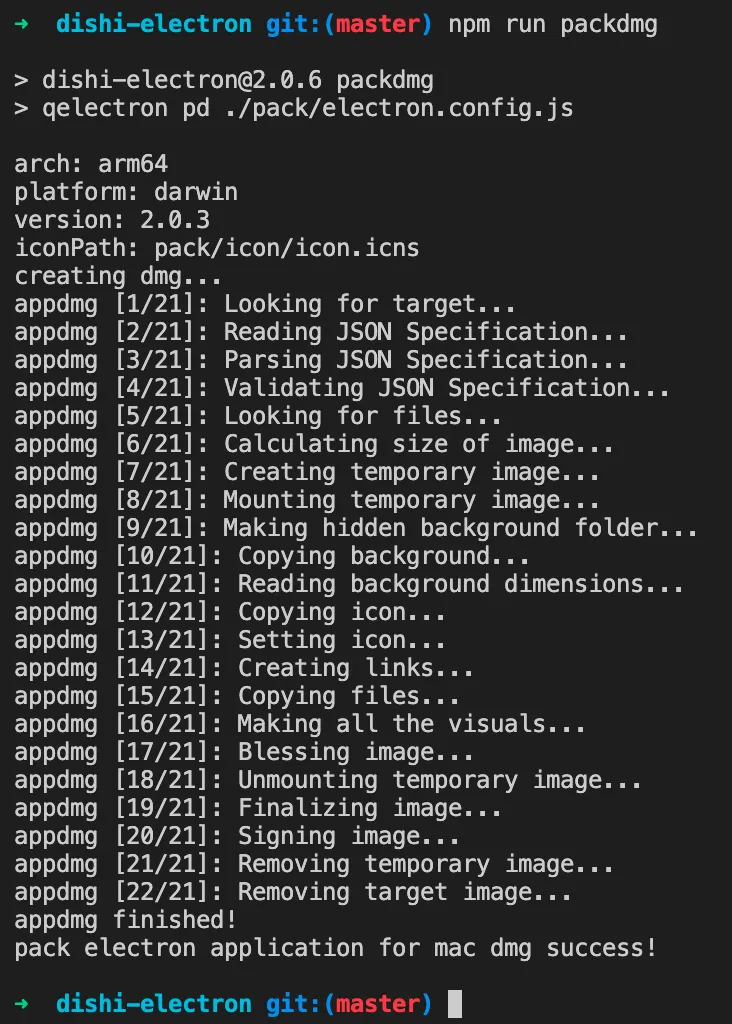
"packdmg": "qelectron pd ./pack/electron.config.js",Result:
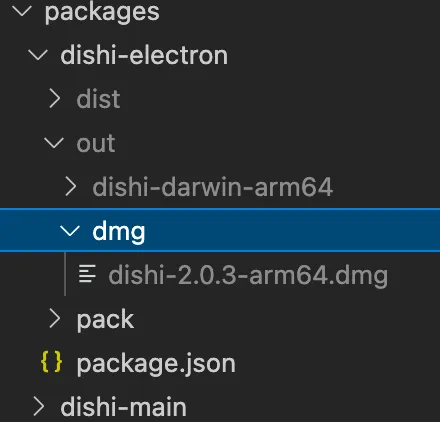
A DMG file is generated in the out folder:
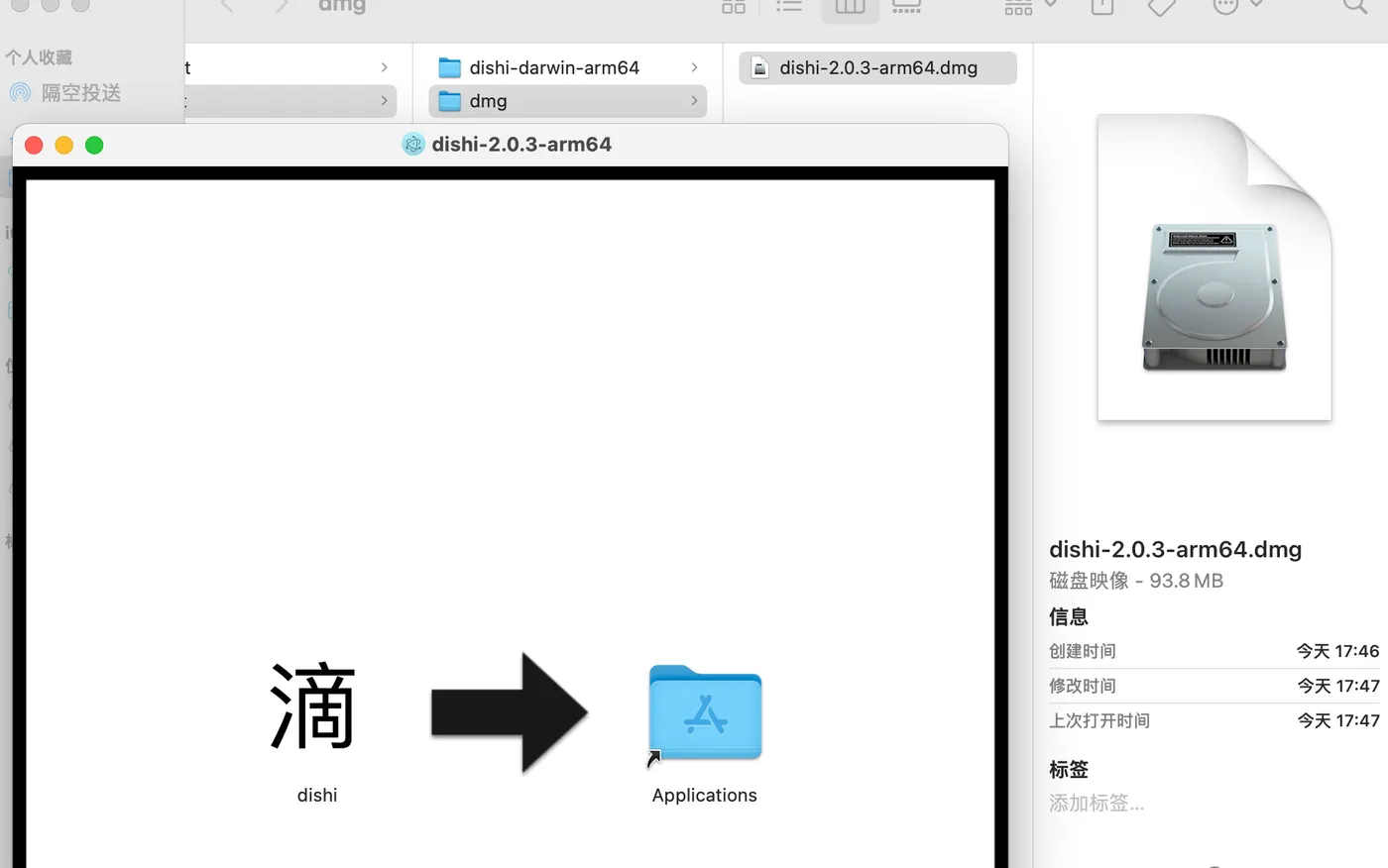
Double-clicking prompts for installation: