Docker Private Registry

Preface
After becoming proficient with Docker locally,
the next step is to push local Docker images to a remote registry for easy access elsewhere.
Common Commands
The previous section covered common Docker commands.
See: https://blog.insistime.com/docker-cmds
# pull
docker pull image-name

# images
docker images
docker rmi image-id
docker build -t image-name:tag .

# container
docker run -d -p host-port:container-port image-name
docker ps -a
docker rm -f container-id
docker logs container-id
docker exec -it container-id /bin/bash

# container run cpu memory
docker run -d -p host-port:container-port --cpus="2" --memory="200m" --restart="always" --name="container-name" image-name
docker inspect --format='{{.HostConfig.NanoCpus}}' <container_id_or_name>
docker inspect --format='{{.HostConfig.Memory}}' <container_id_or_name>
Official Docker Hub
Docker provides an official registry, Docker Hub.
Pros:
1. Official registry
2. Decent pull and push speeds both domestically and internationally
Cons:
1. The website is blocked in China
2. Only one private repository is free; additional ones require payment
Related commands
# Login (you need to register on the website above)
docker login

# Logout
docker logout

# Build (Docker Hub uses your username as the namespace by default)
dokcer build -t username/image-name:0.0.1 .

# push
docker push username/image-name:0.0.1

# pull
docker pull username/image-name:0.0.1
Alibaba Cloud Docker Hub
The main issue with the official Docker Hub is that only one private repository is free.
Additional ones require payment. Among domestic free private registries, I looked at Tencent Cloud and Alibaba Cloud.
Tencent Cloud’s personal edition was greyed out and unavailable.
Alibaba Cloud’s personal edition works. Here is how to use it.
Create a Hub Instance
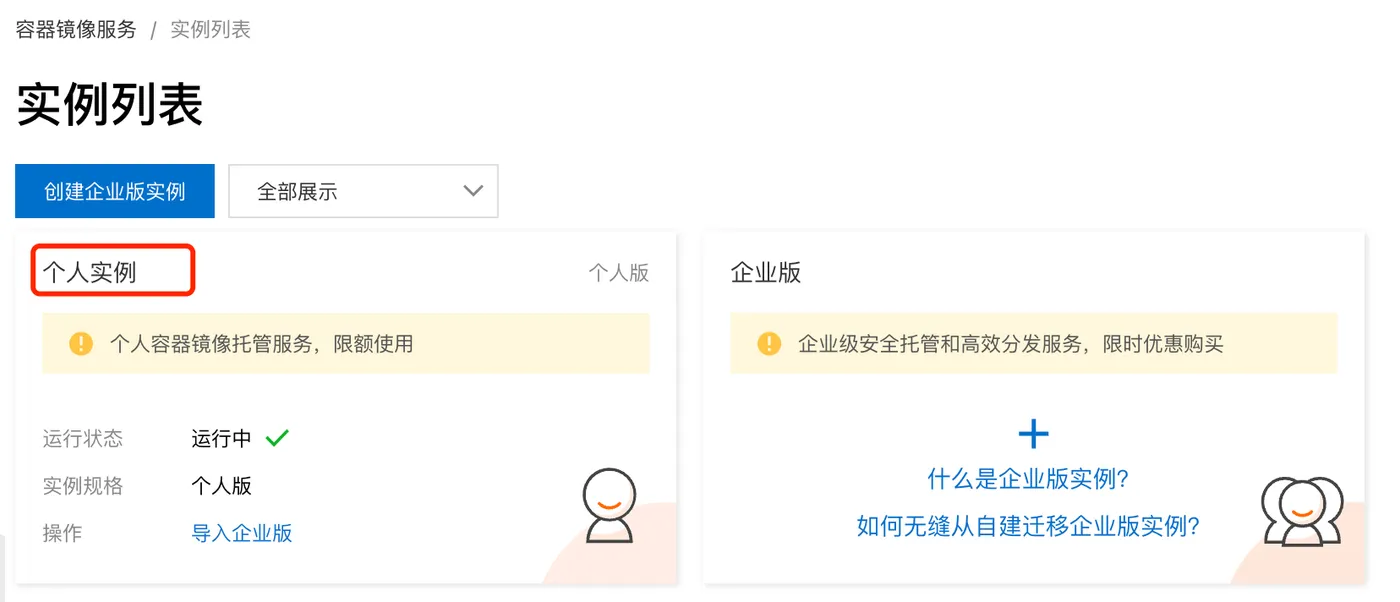
In the Alibaba Cloud Container Registry instance list, select the personal edition and follow the guide to create an instance.
URL: https://cr.console.aliyun.com/cn-beijing/instances
Create a Namespace
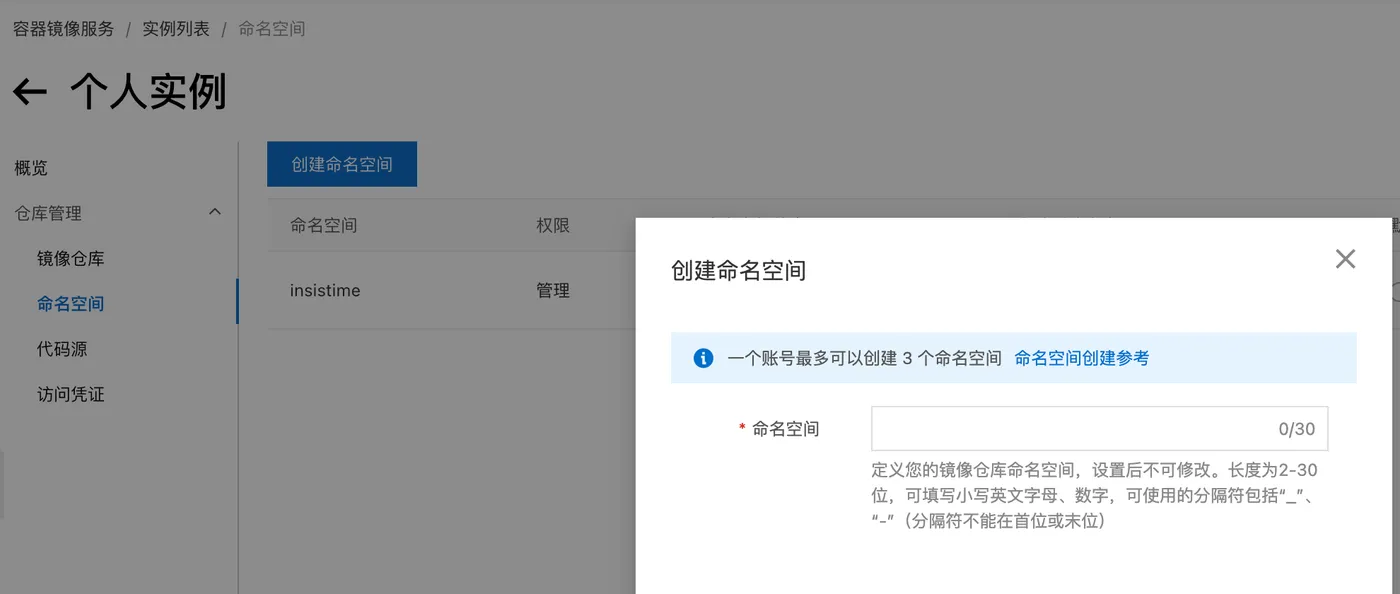
The namespace here is similar to the username on the official Docker Hub.
URL: https://cr.console.aliyun.com/cn-beijing/instance/namespaces
Set Access Password
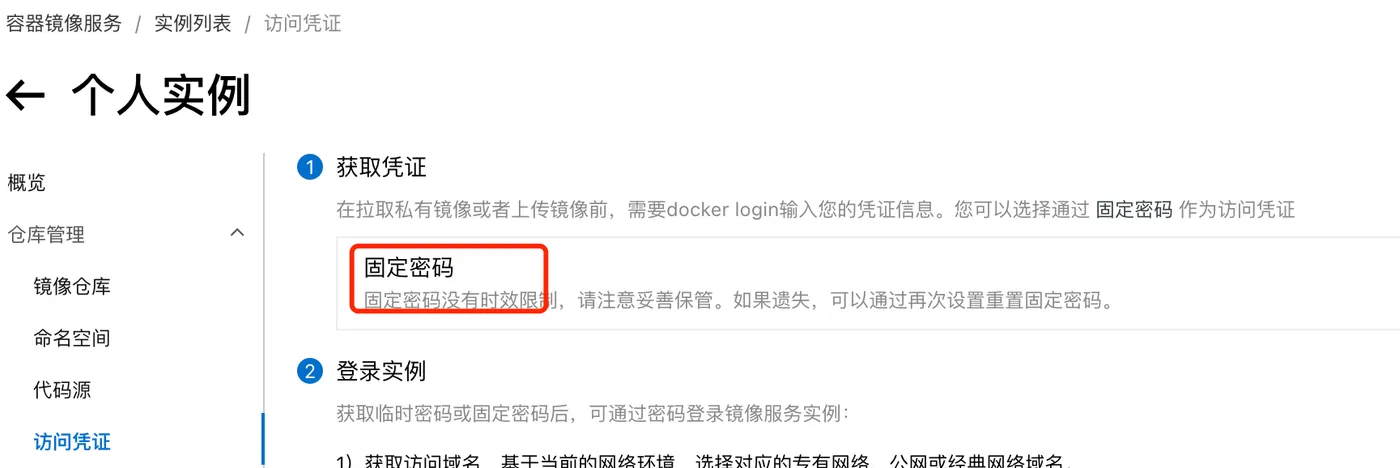
Set a fixed password for login.
URL: https://cr.console.aliyun.com/cn-beijing/instance/credentials
Related Commands
# Login. Note: if you are already logged in to the official Docker Hub, you need to log out first
docker login --username=your-username registry.cn-beijing.aliyuncs.com

# Logout
docker logout registry.cn-beijing.aliyuncs.com

# Build. Unlike Docker Hub, this includes a domain prefix and namespace prefix. push and pull below are similar
docker build -t registry.cn-beijing.aliyuncs.com/your-namespace/image-name .

# push
docker push registry.cn-beijing.aliyuncs.com/your-namespace/image-name

# pull
docker pull registry.cn-beijing.aliyuncs.com/your-namespace/image-name
Manage Images
With the above steps, you can push local images to your private registry.
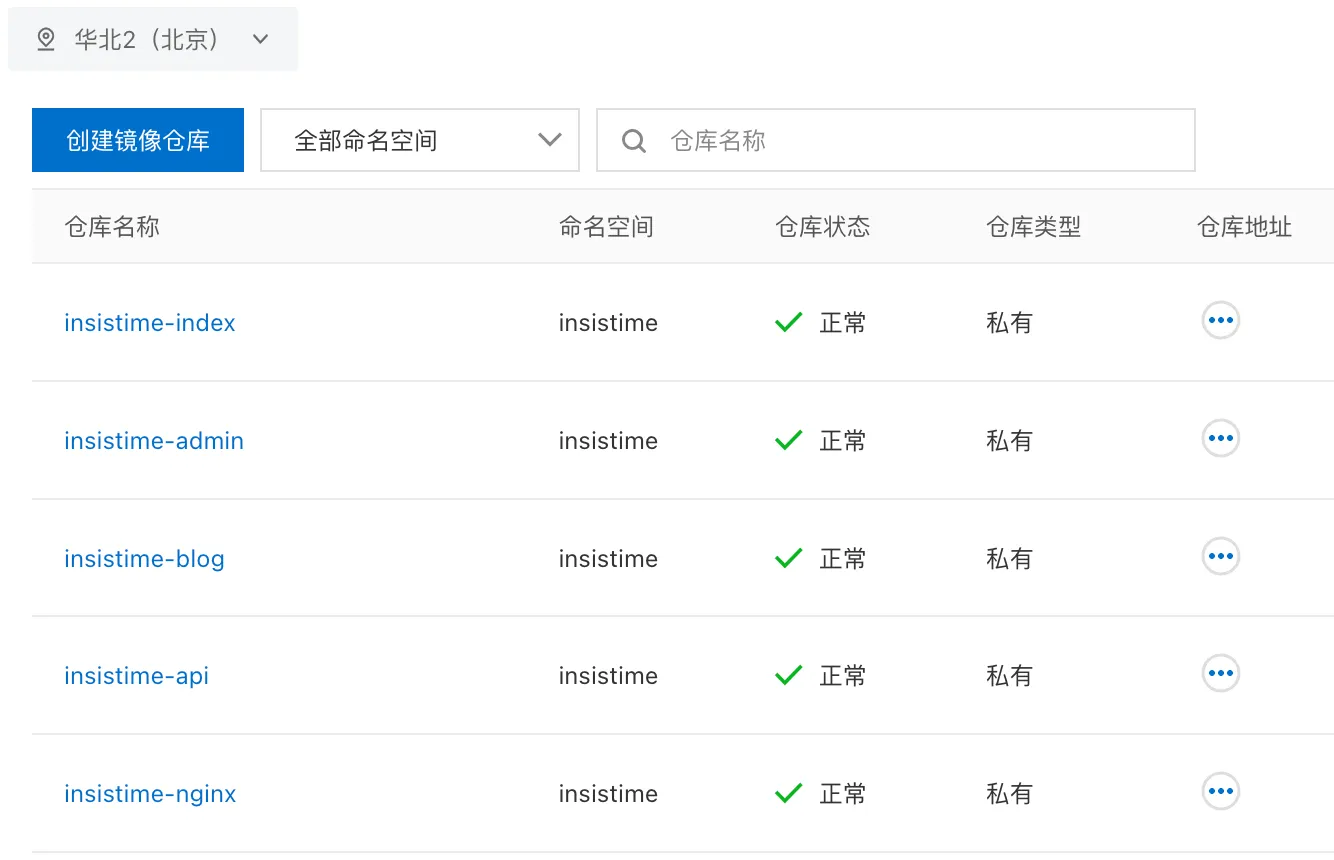
You can also manage them on the web console, such as deleting unused repositories or versions.
URL: https://cr.console.aliyun.com/cn-beijing/instance/repositories