
The Complete Guide to Claude: From Chat to Code to Automation
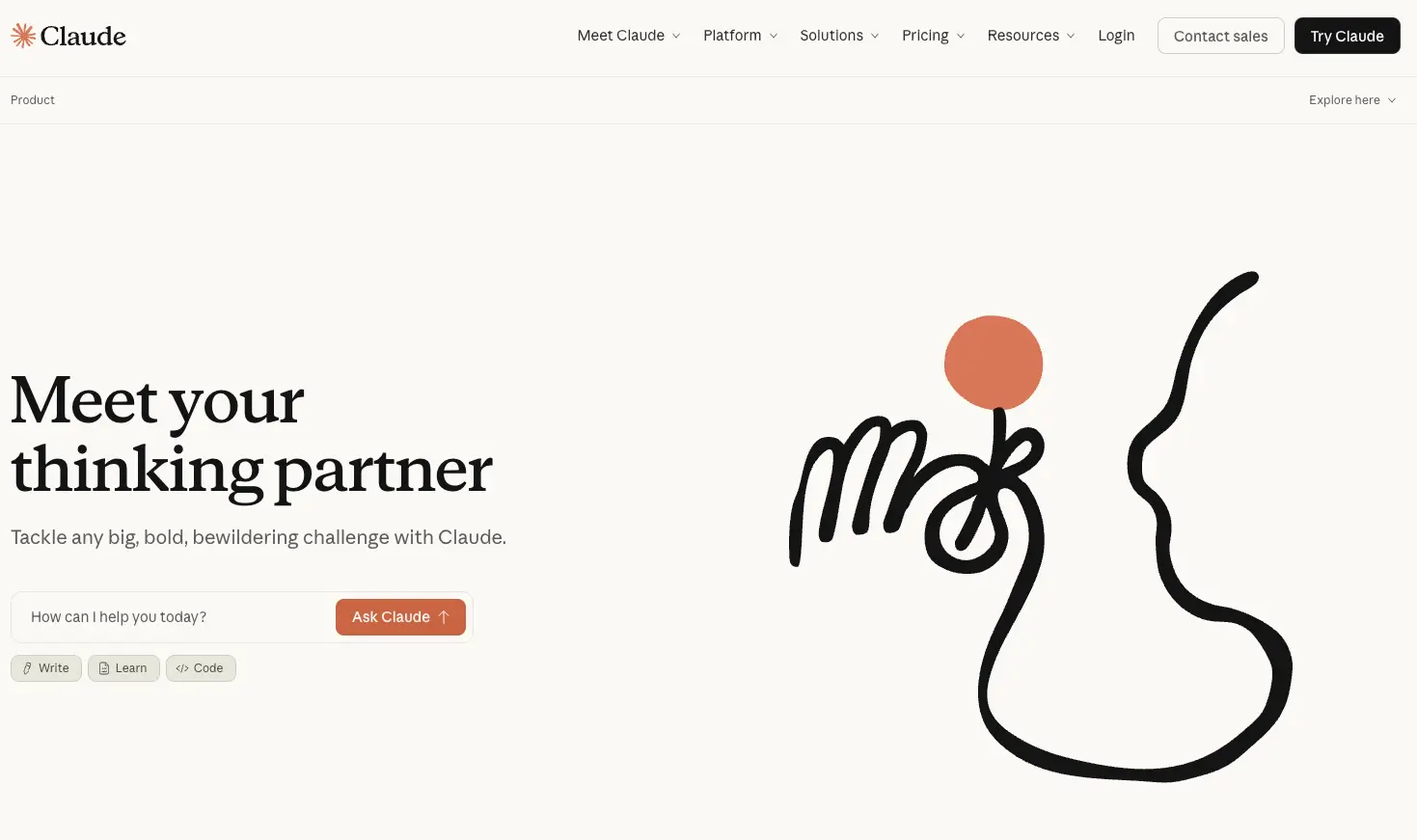
What Is Claude
Claude is a large language model developed by Anthropic, widely recognized as one of the top-tier AI players alongside OpenAI’s GPT and Google’s Gemini.
But Claude isn’t just a model — it’s grown into a full product ecosystem. Anthropic has built three core products around Claude:
- Claude.ai: A web and mobile AI chat assistant, similar to ChatGPT
- Claude Code: A terminal-based AI coding agent — a developer’s ultimate productivity weapon
- Claude Cowork: A desktop AI automation assistant that handles everyday work tasks
Let’s break them down one by one.
Claude.ai — Your Thinking Partner
Claude.ai is the most accessible product, available on both web and mobile. Think of it as Anthropic’s answer to ChatGPT.
But Claude.ai has some seriously impressive features:
Artifacts: Claude doesn’t just reply with text — it can generate interactive content like web pages, charts, code snippets, and documents, rendered right next to the conversation. What you see is what you get.
Projects: You can create a project, dump in all your relevant documents, code, and context, and Claude will answer questions based on those materials. It’s like giving Claude its own dedicated knowledge base.
Connectors & Plugins: Claude can connect to external tools like Google Drive and Slack, reading your files and messages directly — no more copy-pasting back and forth.
Memory: Claude remembers your preferences and context across conversations. It even supports importing memory from other AI products.
Web Search: Claude can search the internet in real time for the latest information, no longer limited by training data cutoff dates.
Claude Code — A Developer’s Secret Weapon
Claude Code is hands down the product I use the most.
It’s an AI coding agent that runs in your terminal. Not some toy that autocompletes a few lines — it’s a real programming partner that understands entire codebases and autonomously completes complex development tasks.
Core capabilities:
Understanding Large Repos: Drop Claude Code into a project with hundreds of thousands of lines, and it quickly grasps the architecture, finds key files, and maps out dependencies. What used to take a week of reading source code now takes 30 minutes.
Plan Mode: For complex tasks, Claude Code first creates a plan — listing which files to modify and what each step does — then executes after confirmation. It’s strategic, not brute force.
Multi-File Editing: Make changes across multiple files at once, automatically handling dependency relationships and reference updates. Refactoring is no longer a nightmare.
Autonomous Execution: It can run tests, read errors, fix bugs, and run tests again — a complete feedback loop. You just describe what you need, and it handles the rest.
CLAUDE.md: Place a CLAUDE.md file in your project root with architecture notes, coding conventions, and common commands. Claude Code reads it on every startup — like giving it an onboarding doc.
Honestly, after using Claude Code, my development productivity has multiplied several times over. Projects that used to take a month now get done in a week. Not an exaggeration — personal experience.
Claude Cowork — Your Digital Colleague
Claude Cowork launched in January 2026, freeing Claude from the chat box and turning it into a “digital colleague” that can directly operate your computer.
What can it do?
File Management: Point it at a folder and have it organize files, categorize documents, and generate reports. “Turn these expense receipts into an Excel spreadsheet” — done.
Multi-Step Tasks: Not simple Q&A, but autonomous completion of complex multi-step tasks. “Research this market and put together a presentation” — it searches, analyzes, and generates on its own.
Persistent Context: Unlike regular conversations where you have to re-explain the background every time, Cowork maintains long-term context. Like a real colleague, it understands you better over time.
Scheduled Tasks & Plugins: Set up scheduled tasks like automatic daily email summaries. Custom plugins extend its capabilities even further.
In short, Claude Code is for developers. Claude Cowork is for everyone.
The Three Model Families
Behind Claude’s products are three model families with different positioning:
Opus — The Powerhouse
Latest version: Claude Opus 4.6
- Context window: 1 million tokens (~750,000 words)
- Max output: 128k tokens
- API pricing: $5 / million input tokens, $25 / million output tokens
- Knowledge cutoff: May 2025
- Supports Extended Thinking and Adaptive Thinking
Opus is the flagship of the Claude family, built for the most complex tasks: understanding large codebases, complex reasoning, and building agents. Claude Code uses Opus by default. If you can only pick one model, pick this one.
Sonnet — Best Bang for Your Buck
Latest version: Claude Sonnet 4.6
- Context window: 1 million tokens
- Max output: 64k tokens
- API pricing: $3 / million input tokens, $15 / million output tokens
- Knowledge cutoff: August 2025
- Supports Extended Thinking and Adaptive Thinking
Sonnet is the sweet spot between speed and intelligence. Good enough for most everyday tasks, faster than Opus, and easier on the wallet. For daily development, writing, and analysis — go with Sonnet.
Haiku — Lightning Fast
Latest version: Claude Haiku 4.5
- Context window: 200k tokens
- Max output: 64k tokens
- API pricing: $1 / million input tokens, $5 / million output tokens
- Knowledge cutoff: February 2025
- Supports Extended Thinking
Haiku is the fastest and cheapest option, perfect for high-concurrency, low-latency scenarios. Building a customer service bot or real-time translation tool? Haiku is your best bet. Need speed and savings? This is it.
Model Comparison
| Opus 4.6 | Sonnet 4.6 | Haiku 4.5 | |
|---|---|---|---|
| Positioning | Most intelligent | Speed-intelligence balance | Ultra-fast, low-cost |
| Context | 1M tokens | 1M tokens | 200k tokens |
| Max Output | 128k tokens | 64k tokens | 64k tokens |
| Input Price | $5/MTok | $3/MTok | $1/MTok |
| Output Price | $25/MTok | $15/MTok | $5/MTok |
| Speed | Moderate | Fast | Fastest |
Pricing Plans
| Plan | Price | Best For |
|---|---|---|
| Free | Free | Casual users, with usage limits |
| Pro | $20/mo | Power users, unlocks latest models and higher usage |
| Max | $100 or $200/mo | Heavy users, virtually unlimited usage |
| Team | $30/seat/mo | Team collaboration, 5+ seats, includes SSO and admin console |
| Enterprise | Custom pricing | Enterprise-grade, HIPAA compliance, audit logs, SCIM |
My recommendation: if you’re a developer, start with Pro. Once you’ve used Claude Code, you’ll realize $20/month might be the best money you’ve ever spent.
Final Thoughts
Claude’s product lineup is remarkably complete:
- Want to chat, write, or analyze → Claude.ai
- Want to code and build → Claude Code
- Want to automate your workflow → Claude Cowork
Three products, three models, covering nearly every scenario from individual to enterprise, from creative to engineering.
If you haven’t tried Claude yet, head over to claude.com and sign up. The free tier is enough to see what it can do.
More Articles
- I Built a Bot That Runs Claude Code From Chat
- Claude Code /fast: Same Opus, 2x Speed — Worth It?
- Claude Code /init: Generate CLAUDE.md in 10 Seconds
- Claude Code MCP: Give Your AI Access to Any Tool
- Claude Code /model: Opus vs Sonnet vs Haiku Guide
- Claude Code in 2026: The Only Setup Guide You Need
- CCBot - 24x Development Efficiency Boost
- Shocking! This Tool Lets Programmers Finish 95 Minutes of Work in 4 Minutes! 24x Efficiency Boost
- Claude Code /add-dir: The Monorepo Command You Miss
- Claude Code /compact: Free Up Context, Keep Progress
- Claude Code /btw Command Explained: Quick Side Questions Without Breaking Flow
- Claude Code /stats: See How Much AI Does For You
- Claude Code /status Command Explained: Your Session Dashboard
- Why AI-First Startups Only Need One Programming Language
- Best Practice for External Knowledge in Claude Code: GitHub MCP + Context7
- Claude Code Token-Saving Tip: The Power of the Exclamation Mark
- Claude Code /resume Command Explained: Don't Let Your Conversations Go to Waste
- Claude Code /usage Command Explained: Know Your Remaining Quota
- Claude Code /tasks Command Explained: Master Your Background Tasks
- Claude Code Skills Explained: Build Your Custom Command Library
- Claude Code /plan Explained: Think Before You Code
- Claude Code /memory Explained: Make AI Truly Remember Your Project
- cc-ping: Ping All Your Claude Code Configs in One Command