
AWS-CodeCommit
Preface
AWS provides a code hosting service similar to GitHub and GitLab.
The use case here is downloading code from an internal GitLab instance to an AWS EC2 instance.
The previous approach was to mirror GitLab code to GitHub.
See: Syncing GitLab Code to GitHub
In practice, accessing GitHub from Alibaba Cloud ECS frequently resulted in timeouts.
Alibaba Cloud’s feedback was that accessing cross-border websites over the public internet goes through carrier cross-border bandwidth, which can be congested.
As a workaround, I tried AWS CodeCommit, and the mirroring worked well.
It’s likely that AWS has DNS resolution set up within China.
Creating a Repository
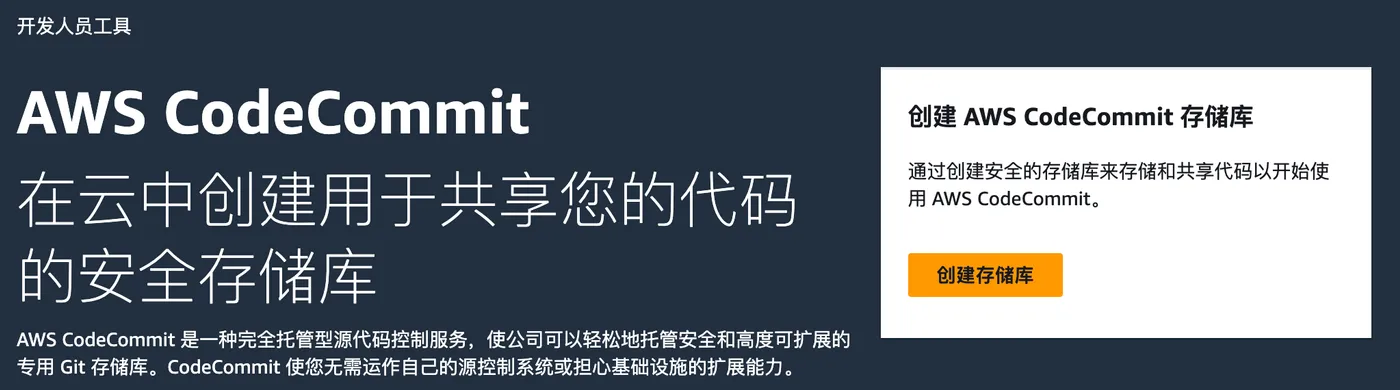
URL: https://us-west-2.console.aws.amazon.com/codesuite/codecommit/start?region=us-west-2
Click “Create repository” on the right side.
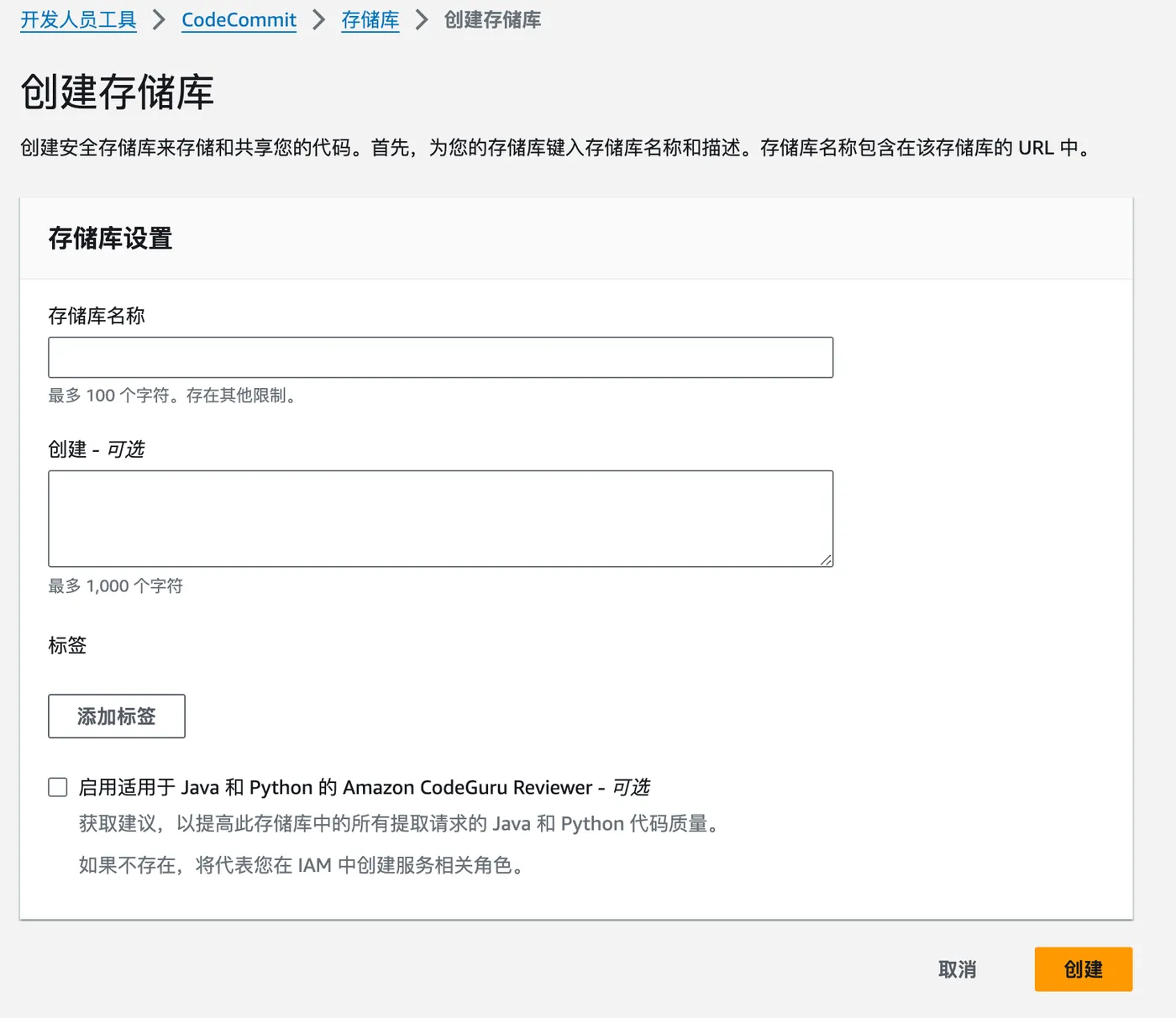
Enter the repository name and click “Create”.
Cloning the Code
Connection Methods
After creation, the following information is displayed by default.

CodeCommit provides several connection methods:
HTTPS with username & password,
SSH with SSH key.
Here we’ll use HTTPS as an example.
Creating an IAM User
You need to create an IAM user with CodeCommit permissions.

Then generate Git credentials for that user under CodeCommit.
Go to the user details > Security credentials section.
The generated credentials include username and password. You can download them as a CSV file.

Cloning the Code
There are two ways to clone the code:
# Directly git clone and enter username/password when prompted
git clone repo-url

# Put the username in the URL and enter the password when prompted
https://${username}@repo-url