
AWS-CodeArtifact
Preface
AWS CodeArtifact is a managed artifact repository that can host npm, Maven, and other packages.
Creating a Repository
URL: https://us-west-2.console.aws.amazon.com/codesuite/codeartifact/start?region=us-west-2#
Click the “Create repository” button on the right side to begin.
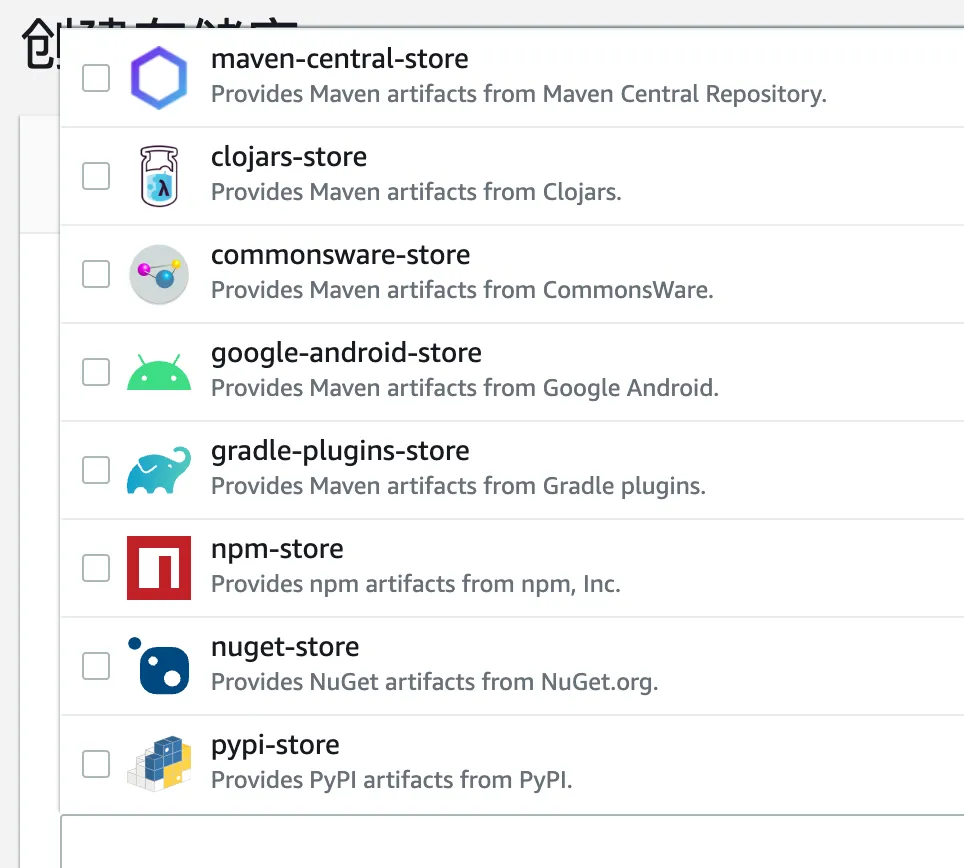
After entering the name, you can select which package types to host.
Here we select Maven and npm.
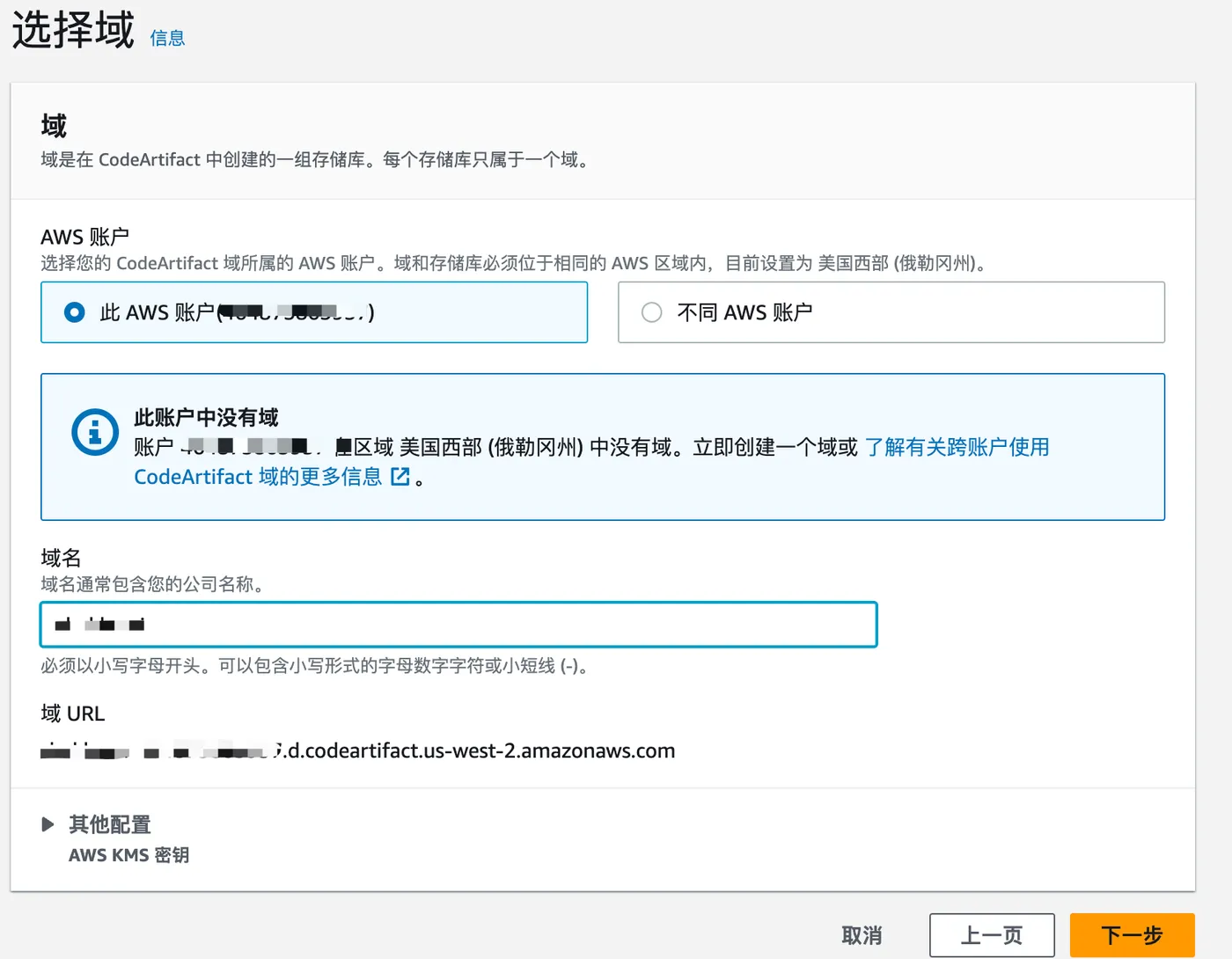
In the next step, enter a domain name — typically your company or product name.
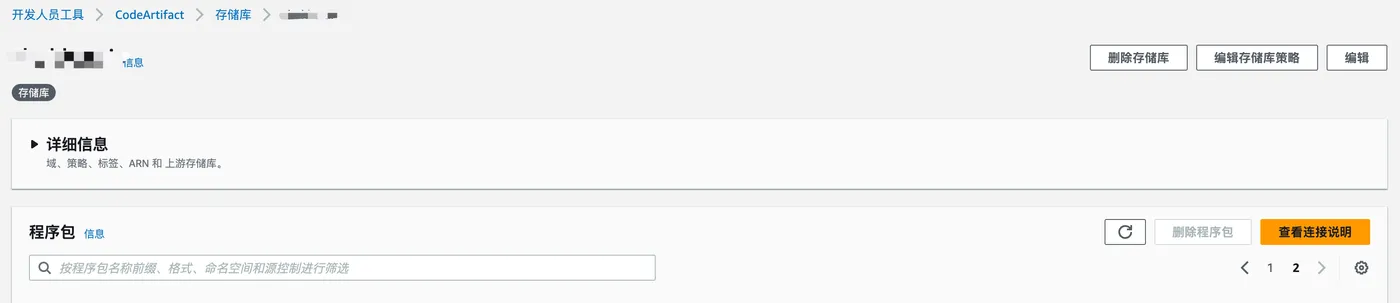
Repository created successfully.
Connecting
Before connecting to the private repository locally, you need to install the AWS CLI first: https://docs.aws.amazon.com/cli/latest/userguide/getting-started-install.html
Follow the instructions to connect to the npm repository.
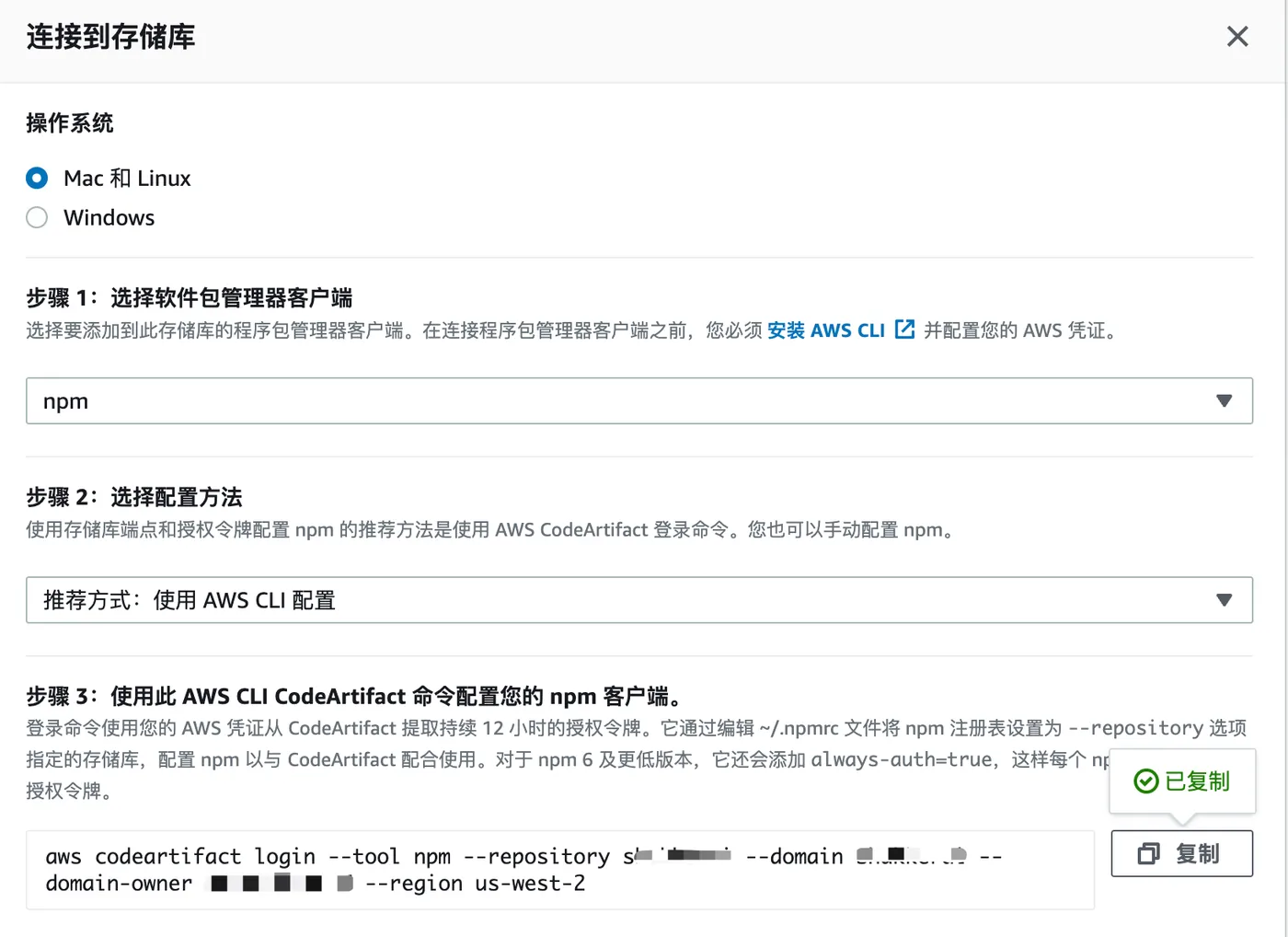
When running the command, you may see: “Unable to locate credentials. You can configure credentials by running ‘aws configure’.”
This means there are no local credentials. Run aws configure as prompted.

It will ask for an access key. Configure it following the docs: https://docs.aws.amazon.com/zh_cn/cli/v1/userguide/cli-chap-authentication.html
There are 3 ways to configure permissions. I found the 3rd method to be the simplest.
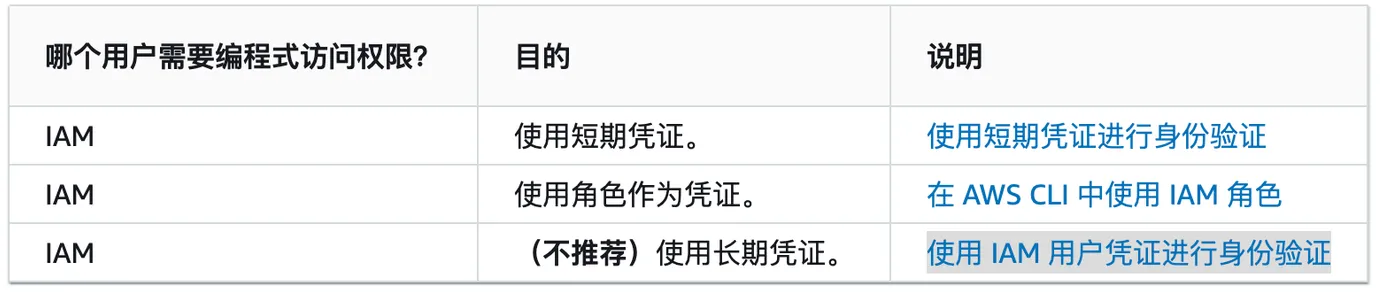
After running the command again, the npm connection succeeds.

You can also add a .npmrc file directly in your project with the following content:
registry=https://domain-accountid.d.codeartifact.us-west-2.amazonaws.com/npm/domain/Publishing Private Packages
After configuring the .npmrc file in your project,
run npm config get registry to verify the source is indeed AWS.
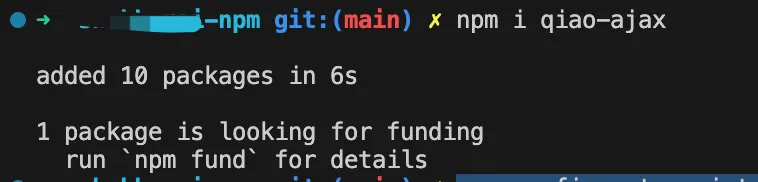
Try installing a public npm package — it should work normally.
Next, publish a package.
Normally, publishing to npm requires npm login first.
AWS CodeArtifact works differently.
Click “Connection instructions” > select “npm” > choose “Manual”.
Then copy and run the first command.
Then copy the second block of content into your .npmrc file.
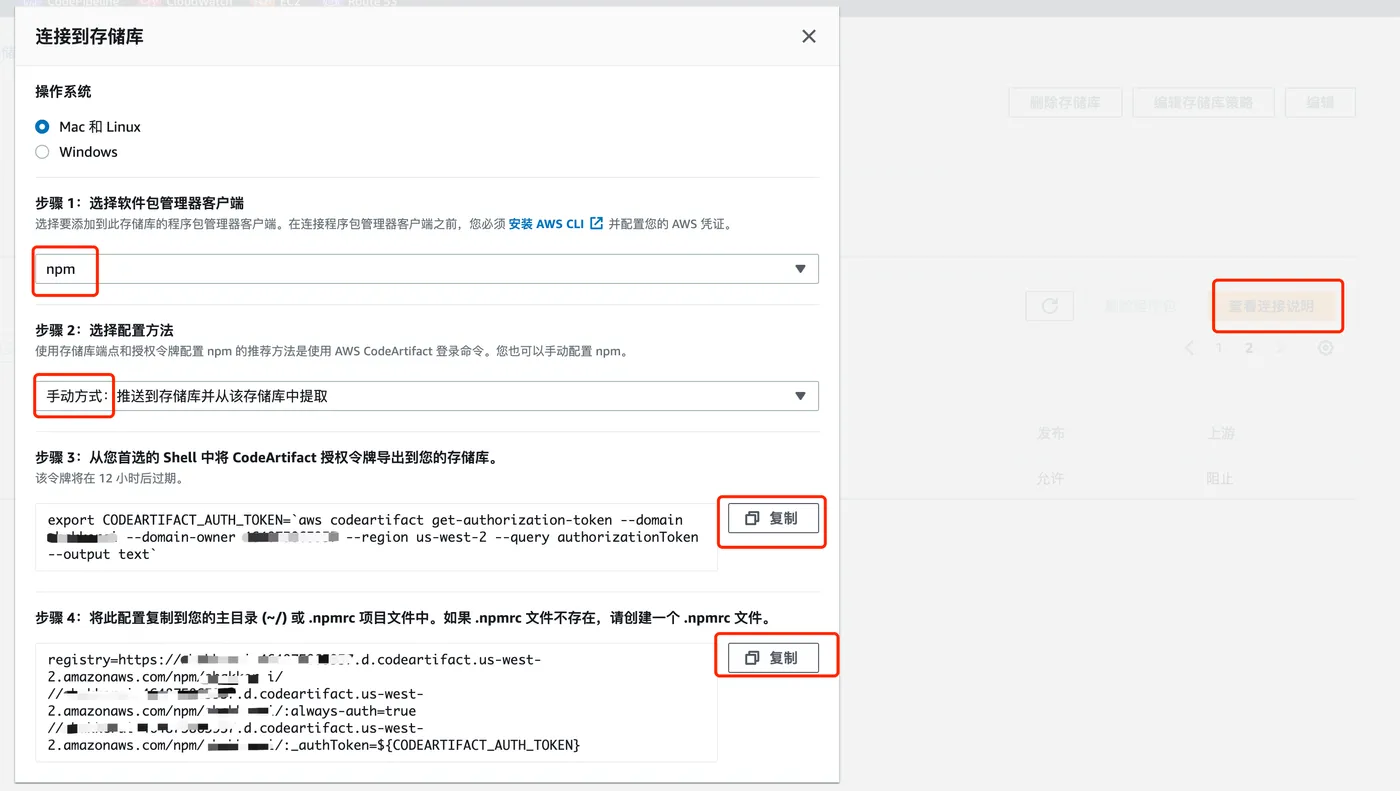
Run npm publish again, and the package is published successfully.

Installing Private Packages
If other users want to install private packages from AWS CodeArtifact:
First, create an IAM user for them.
Then go to IAM > Users > Security credentials > Add access key.
The user needs to install the AWS CLI locally: https://docs.aws.amazon.com/cli/latest/userguide/getting-started-install.html
The user runs aws configure locally and enters the access key created above.
Then the user runs the following command:
aws codeartifact login --tool npm --repository domain --domain domain --domain-owner accountid --region us-west-2Install using the AWS npm registry — either via command line, .npmrc, or npm config:
npm install @xx/util-cookie --registry=https://domain-accountid.d.codeartifact.us-west-2.amazonaws.com/npm/domain/