
Installing MySQL on Mac

Introduction
This article covers how to install MySQL on Mac.
Steps
Download
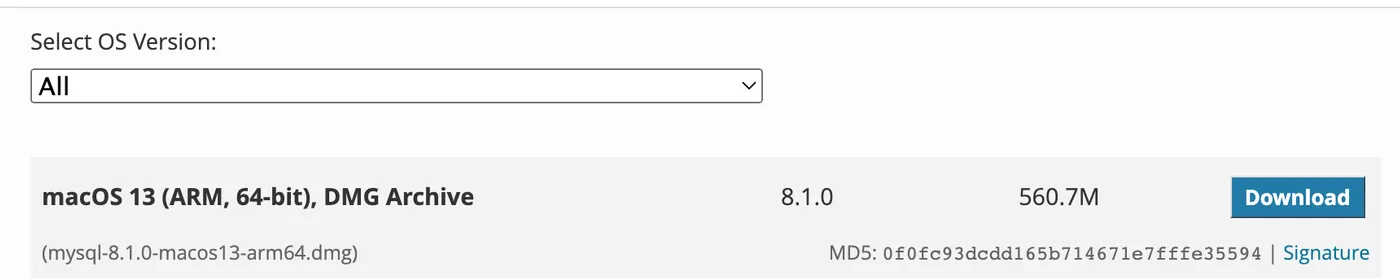
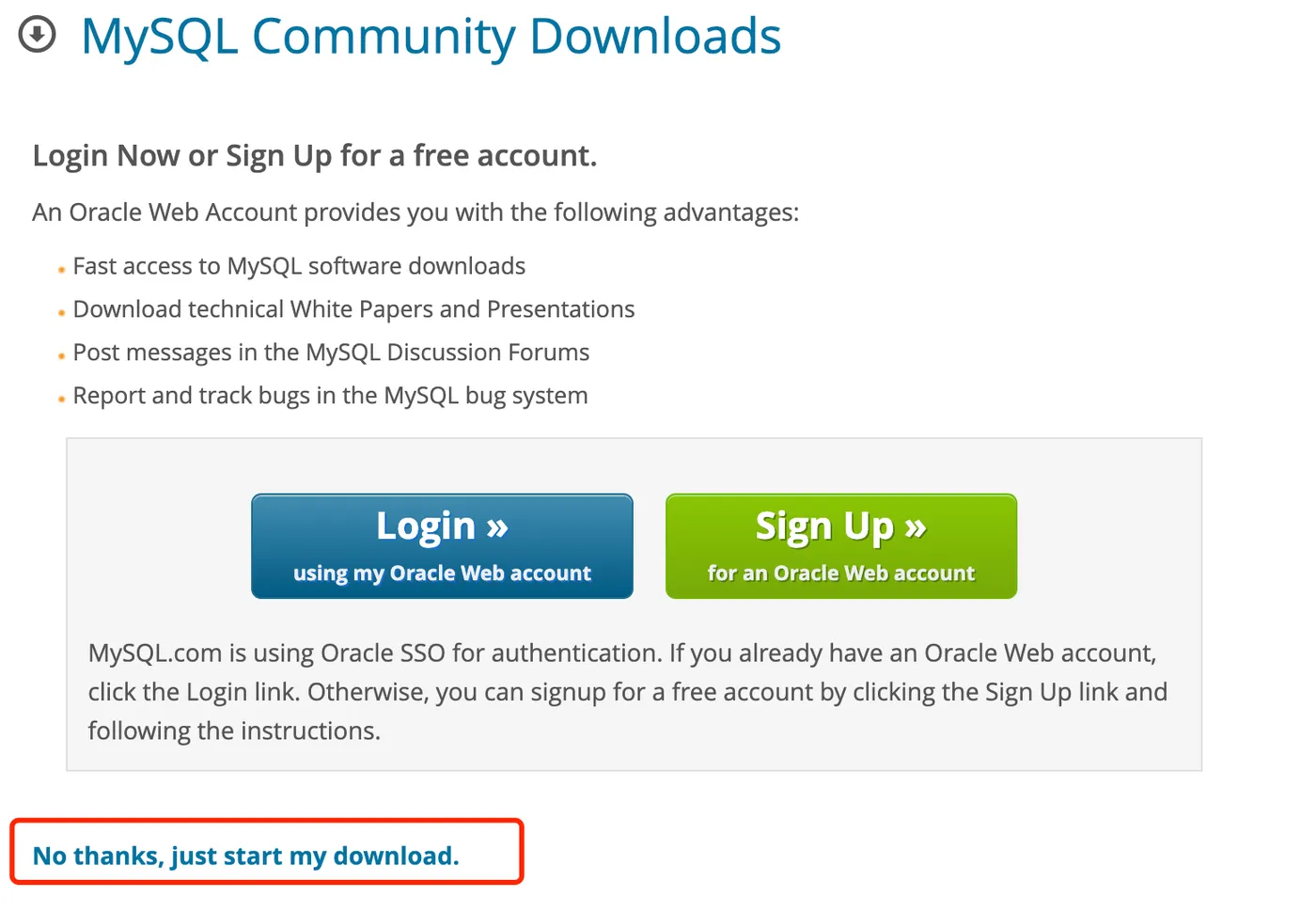
Go to the MySQL official website to download the DMG installer.
Download link: https://dev.mysql.com/downloads/mysql/
Select the DMG version for download,

Install
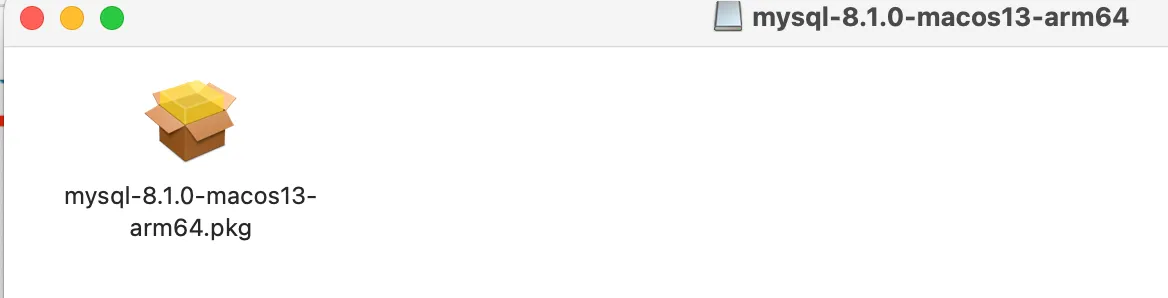
After downloading, double-click the DMG file to install,
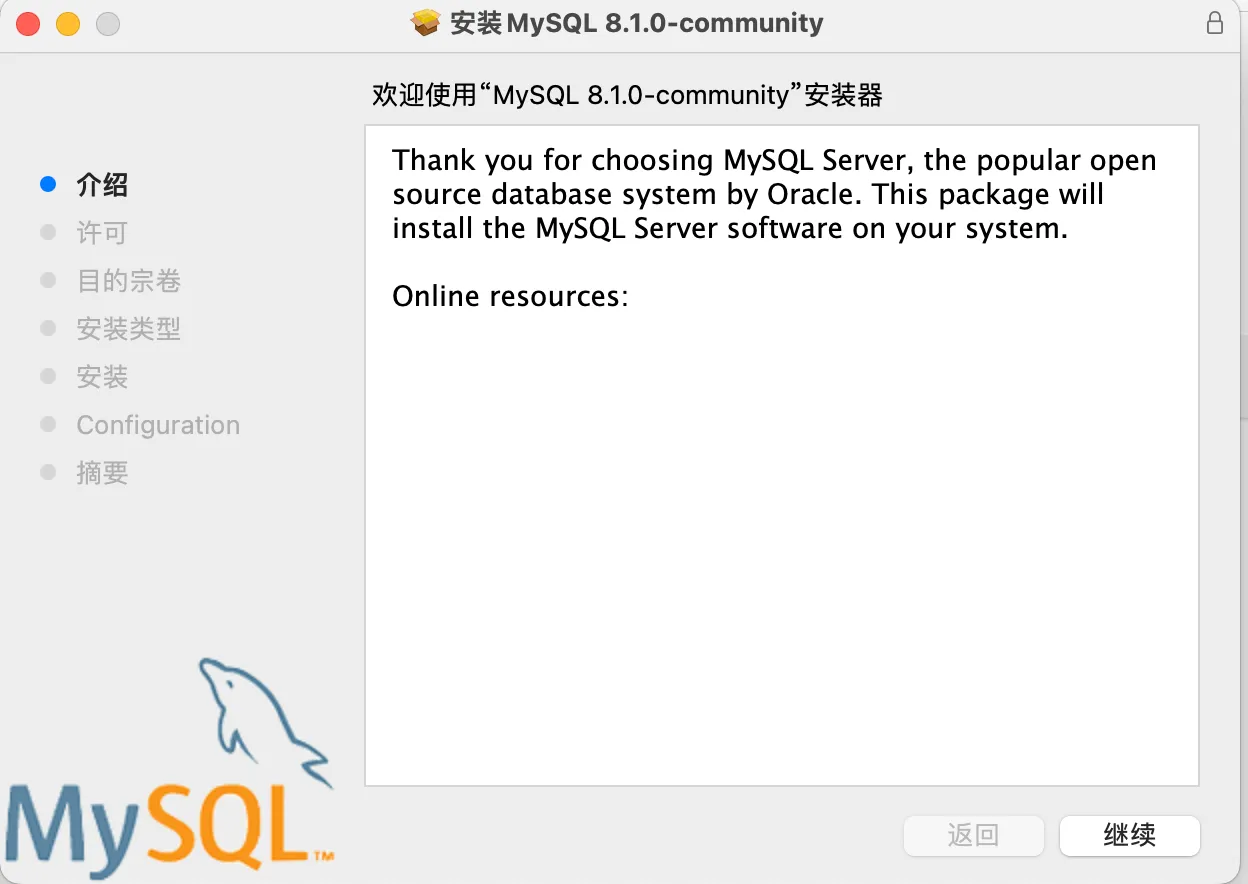
Keep clicking next until the installation is complete,
During the process, you’ll be asked to set a password — remember this password,
Configure Environment Variables
After installation, you need to configure the environment variables,
vim ~/.bash_profileAdd the following content,
export PATH=$PATH:/usr/local/mysql/binThen apply the changes,
source ~/.bash_profileVerify
After configuration, you can verify by running the following command,
mysql -u root -pEnter the password you set during installation to log in to MySQL,
Related Articles
Running Multiple WeChat Clients on Mac
Preface: Many people have multiple WeChat accounts. On mobile, you can use two phones or Android multi-app features. This article explains how to run multiple WeChat clients on Mac by creating aliases to the WeChat executable inside the app bundle.
Grant MySQL Access to a Specific IP
AWS - Image Conversion with Lambda@Edge and CloudFront
Chinese cloud providers offer convenient image format and size conversion via URL parameters for their OSS/COS storage. AWS does not provide this out of the box — you need to write Lambda@Edge functions yourself. This article provides a complete guide on implementing image conversion with Lambda@Edge.
AWS-CodeArtifact
AWS CodeArtifact is a managed artifact repository that can host npm, Maven, and other packages.
AWS-CertificateManager
AWS Certificate Manager is the certificate management system provided by AWS. When used together with an AWS Load Balancer, you can request wildcard certificates for free.